
How to add my authorized IP?

To add your authorized IP, please go to : https://vip.squidproxies.com/login.php
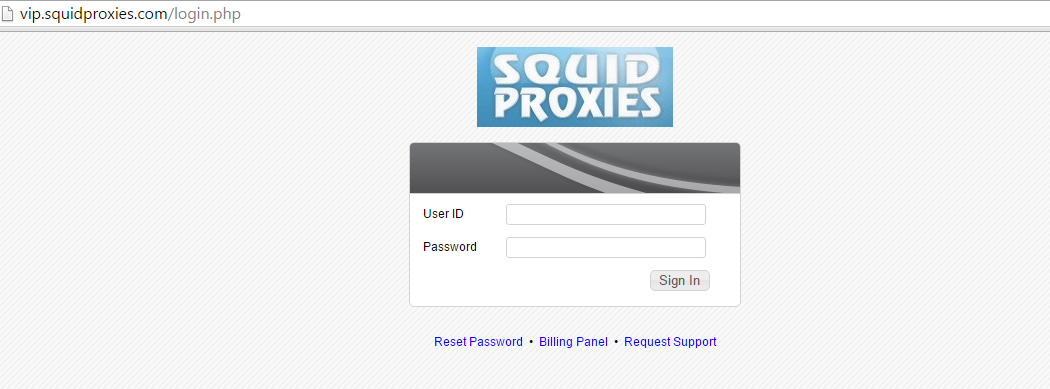


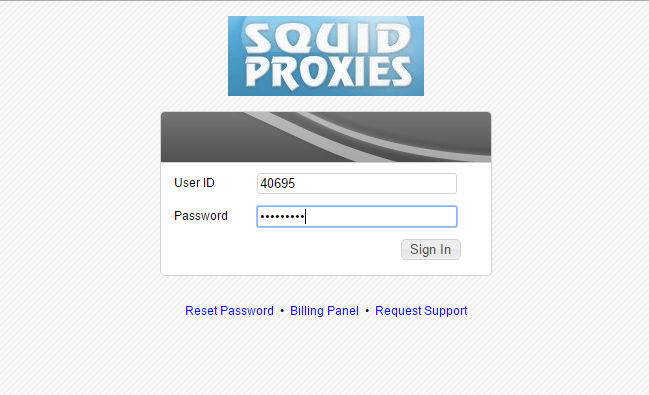
1. Login to the VIP control panel.


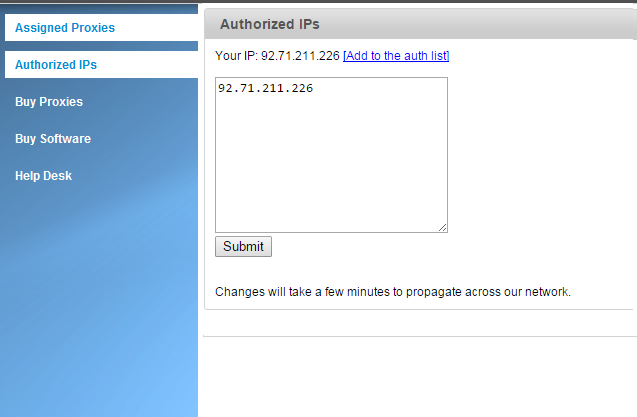
2. Click "Authorized IPs".

3. Click "[Add to auth list]" to add your IP and submit. Wait 5 minutes for system propagation.


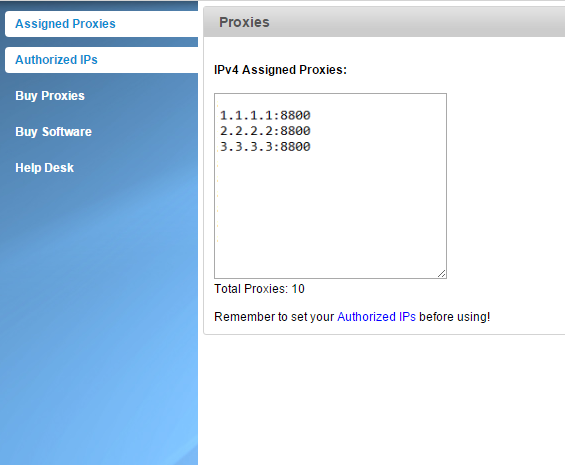
4. Start using the proxies listed under "Proxies".

  • 431 Users Found This Useful
Was this answer helpful?

Related Articles

How to use HTTP proxies in Python2?

1. Create a file called testproxy.py, containing:...

How to use a proxy in Chrome?

Click the Chrome menu on the  browser toolbar. Select Settings. Scroll down. Click "Show...

How to test proxies in Linux command line interface?

You can easily use our proxies within the Linux CLI using any command-line tool you love. Below...

How to use a proxy in an Ipad/Iphone?

On the screen, click on Settings. Click on Wi-Fi and you will see list of networks on the...

Powered by WHMCompleteSolution