 লাইভ চ্যাট
 লগ ইন


Building Enterprise Proxy Infrastructure: Architecture, Choices, and ROI
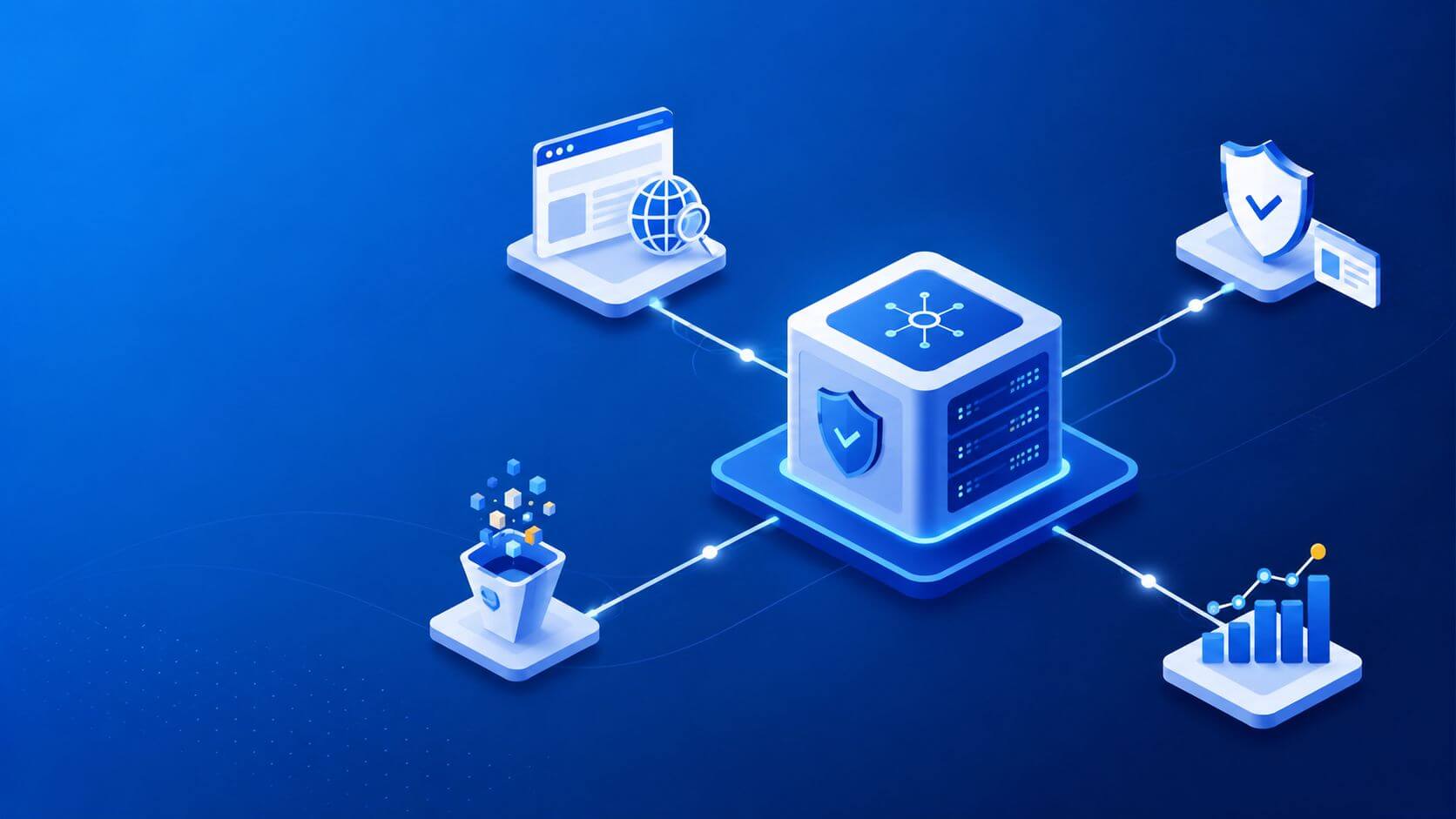
Enterprise proxy infrastructure is the system that controls how outbound web traffic is routed, monitored, secured, and optimized across teams and workloads. For companies that depend on web data, proxies are not just a scraping accessory. They directly affect data quality, uptime, geo accuracy, block rates, session stability, and cost.
A weak proxy setup creates familiar problems: blocked crawls, missing prices, unreliable SEO reports, wrong-location ads, broken browser sessions, and rising retry costs. A strong enterprise proxy infrastructure gives teams a controlled way to choose proxy types, manage sessions, enforce rate limits, monitor results, and prove whether the system is producing valid data at a predictable cost.
For teams using web scraping proxies, the goal is not to send the most requests. The goal is to return the most valid results with the least waste, while staying aligned with business, technical, and compliance requirements.
What Is Enterprise Proxy Infrastructure?
Enterprise proxy infrastructure is a centralized platform for managing proxy-powered traffic at scale. Instead of letting each team use separate proxy credentials, routing logic, retries, and monitoring, an enterprise setup brings these controls into one governed system.
A complete proxy infrastructure usually includes:
- proxy pools
- routing policies
- session management
- rate limiting
- authentication
- geo controls
- monitoring
- logging
- failover rules
- provider management
- cost tracking
- compliance controls
At a basic level, a proxy sends traffic through another IP address. At an enterprise level, the infrastructure decides which proxy type to use, which region to route through, whether the session should remain sticky, when to rotate, when to slow down, when to retry, and when to stop.
That decision-making layer is what turns proxies from a commodity tool into a reliable data platform.
Why Enterprise Proxy Infrastructure Matters
Enterprise teams usually run multiple data workflows at the same time. One team may monitor e-commerce prices. Another may track local SERPs. Another may verify ads by region. Another may collect public web data for AI training or market intelligence.
If each team builds its own proxy setup, problems appear quickly:
- duplicate vendor spend
- inconsistent success rates
- weak geo validation
- different retry rules
- no shared observability
- poor cost attribution
- compliance gaps
- hidden soft blocks
- unreliable reporting
A central proxy infrastructure helps standardize how traffic is routed, measured, and governed. It also makes troubleshooting easier because every request can be tied to a team, workload, proxy route, target domain, region, and outcome.
Core Components of Enterprise Proxy Infrastructure
Proxy Pools
The first layer is access to the right proxy types.
Most enterprise systems use a mix of datacenter proxies, residential proxies, ISP proxies, mobile proxies, and internal static IPs.
Datacenter proxies are fast and cost-efficient for public pages, APIs, static content, and lower-friction workloads. Residential proxies are better for geo-sensitive, consumer-facing, or stricter targets. ISP proxies are useful for stable sessions and recurring workflows. Mobile proxies are best reserved for mobile-specific use cases such as mobile ad verification or app-like experiences.
For a broader comparison, see Datacenter vs Residential vs ISP Proxies Explained.
Routing Controller
The routing controller decides which proxy route should handle each request.
It should evaluate:
- target domain
- workload type
- required country or city
- proxy cost
- recent block rate
- recent success rate
- session requirements
- business priority
- compliance rules
For example, a public category page may go through datacenter proxies, while a city-level SERP check may use residential proxies. A login workflow may require a sticky ISP route. A mobile ad validation task may need a mobile proxy only for the final verification step.
Good routing prevents teams from using expensive proxy types everywhere.
Session Manager
Session management controls whether traffic rotates or remains sticky.
Use rotating sessions for:
- stateless public pages
- independent SERP checks
- broad URL discovery
- simple product page collection
Use sticky or static sessions for:
- logins
- carts
- checkout flows
- pagination
- regional storefront checks
- local SEO batches
- browser automation
- product variant checks
Rotating too often can break cookies and session trust. Staying static too long can create repeated exposure from one IP. The session manager should match proxy behavior to the workflow.
For more detail, see Rotating vs Static Proxies.
Rate Limiting Layer
Enterprise proxy infrastructure needs rate limits by domain, path, proxy, session, team, and workload.
Rate limiting reduces 429s, 403s, timeouts, CAPTCHA prompts, Cloudflare challenges, and retry storms. It also protects cost by stopping broken workflows from retrying endlessly.
A good system should support:
- per-domain caps
- per-path caps
- per-proxy caps
- per-session caps
- retry budgets
- cooldown rules
- exponential backoff
- jitter
- circuit breakers
For implementation guidance, see Rate Limiting Best Practices for Scrapers.
Choosing Proxy Types by Workload
The right proxy route depends on the target and the task.
| Workload | Recommended Starting Route | Session Model |
|---|---|---|
| Public static pages | Datacenter proxies | Rotate by batch |
| SEO rank tracking | Residential or ISP | Short sticky sessions |
| Local SEO monitoring | Residential proxies | Sticky by location |
| E-commerce price monitoring | Datacenter first, residential fallback | Sticky for regional flows |
| Ad verification | Residential or mobile sample | Short sticky |
| Travel fare monitoring | Residential or ISP | Sticky for itinerary flows |
| Account dashboards | ISP or static route | Static or sticky |
| AI data collection | Datacenter or residential by source | Route by source policy |
The best rule is simple: start with the lowest-cost route that returns complete, valid data. Escalate only when metrics show that a stronger route improves success rate, geo accuracy, session survival, or cost per successful request.
What to Measure
Enterprise proxy infrastructure should be measured by valid output, not raw request volume.
Track these metrics by domain, route, region, team, provider, and workload:
| Metric | Why It Matters |
|---|---|
| Success rate | Shows how often valid data is returned |
| Block rate | Tracks 403, 429, CAPTCHA, and challenge pages |
| Soft block rate | Catches pages that load but return invalid content |
| CPSR | Measures cost per successful request |
| Retry depth | Reveals hidden instability |
| Geo accuracy | Confirms location-sensitive validity |
| Session survival | Measures multi-step workflow stability |
| P95 latency | Shows route performance and congestion |
| Provider health | Compares proxy vendors and pools |
| Cost by team | Supports budgeting and accountability |
CPSR means cost per successful request. In plain terms, it tells you how much each valid result costs after proxy spend, compute, browser rendering, retries, and failures.
A proxy route with a higher per-request cost may still be cheaper overall if it reduces retries and improves valid output.
Architecture Blueprint
A practical enterprise proxy architecture looks like this:
Client Team / Worker
   ↓
Request Tags
   ↓
Policy Engine
   ↓
Session Manager
   ↓
Rate Limiter
   ↓
Proxy Router
   ↓
Proxy Provider or Internal Pool
   ↓
Target Website
   ↓
Validation Layer
   ↓
Logs, Metrics, and Cost Attribution
Each request should carry metadata such as team, workload, target domain, target region, page type, priority, compliance status, proxy type, session ID, retry count, and parser version.
Without request tags, debugging becomes guesswork. With request tags, operators can quickly answer questions like:
- Which team caused the cost spike?
- Which proxy type is failing?
- Which region has geo mismatch?
- Which domains are producing soft blocks?
- Which provider has the best CPSR?
- Which route should be slowed down or paused?
Failure Handling and Circuit Breakers
Enterprise systems should not retry blindly. Every failure should be classified.
Common failure types include:
- 401 authentication failure
- 403 block
- 429 rate limit
- 5xx upstream error
- timeout
- DNS failure
- TLS error
- CAPTCHA or challenge page
- geo mismatch
- soft block
- parser failure
Each failure requires a different response.
A 429 should trigger backoff and lower rate limits. A geo mismatch should trigger route correction. A parser failure should trigger layout review. A soft block should be captured and excluded from success metrics. A repeated CAPTCHA should trigger workflow review, not unlimited retrying.
Circuit breakers protect the system by pausing routes, providers, domains, or sessions when failure rates cross a threshold.
For troubleshooting, see Common Proxy Errors and How to Fix Them.
Governance and Compliance Controls
Enterprise proxy infrastructure should include governance from the start.
Useful controls include:
- approved domain lists
- blocked domain lists
- allowed path patterns
- restricted path patterns
- team-level credentials
- purpose tags
- audit logs
- cost centers
- secret management
- PII-safe logging
- regional restrictions
- retention policies
- vendor review
Teams should not be able to route arbitrary traffic through shared enterprise proxy pools without policy checks. Persistent blocks, CAPTCHAs, or access denied pages should trigger review before escalation.
For broader context, see Legal Considerations for Web Scraping and Ethical Data Collection Practices for Businesses.
Real-World Scenario: Global Price Intelligence
A company monitors competitor prices across 15 countries.
The first setup uses one residential route for everything. Costs rise quickly, and some pages still return wrong currency or missing prices.
The enterprise setup uses:
- datacenter proxies for low-risk category pages
- residential proxies for regional product pages
- sticky sessions for storefront checks
- geo validation for currency and region
- strict retry caps
- CPSR dashboards by route and country
The result is better regional accuracy with lower cost than sending every request through residential proxies.
Real-World Scenario: Ad Verification
A marketing team validates ad delivery across multiple markets.
The system needs geo accuracy, screenshot evidence, and occasional mobile validation. Using mobile proxies for every check would be too expensive.
The enterprise setup uses:
- residential proxies for most geo checks
- mobile proxies only for mobile-specific campaigns
- short sticky sessions
- screenshot capture
- geo mismatch alerts
- cost limits by campaign
This keeps mobile proxy spend focused only where mobile network behavior matters.
Real-World Scenario: AI Data Collection
An AI team collects public web data for model evaluation and retrieval.
The infrastructure includes:
- approved source registry
- routing policy by source type
- datacenter proxies for public documentation
- residential proxies for regional content validation
- PII filters
- source metadata
- lineage storage
- retention rules
- source-level quality metrics
The result is not just more data. It is traceable, cleaner, and easier to govern.
Implementation Roadmap
Phase 1: Pilot
Start with a few representative workloads. Test at least two proxy types where relevant. Measure success rate, block rate, soft block rate, CPSR, latency, retry depth, geo accuracy, and session survival.
Phase 2: Central Routing
Build a simple routing layer that chooses proxy type by target domain, workload, region, and recent performance.
Phase 3: Observability
Add dashboards by domain, workload, proxy type, region, provider, and team. Store failed response samples for debugging.
Phase 4: Governance
Add team credentials, allowlists, blocked paths, purpose tags, audit logs, secret management, and compliance review workflows.
Phase 5: Optimization
Tune based on live metrics. Adjust proxy type, session duration, rate limits, retry rules, provider mix, and browser rendering usage.
Best Practices Checklist
Before scaling enterprise proxy infrastructure:
- Classify workloads by risk and session needs.
- Use the lowest-cost route that returns valid data.
- Route by domain, page type, geo, and workload.
- Use sticky sessions for multi-step flows.
- Use rotation for stateless collection.
- Track CPSR by route and team.
- Validate geo accuracy.
- Detect soft blocks.
- Add retry budgets and circuit breakers.
- Monitor provider health.
- Enforce domain policies.
- Protect secrets and tokens.
- Review compliance before scaling.
For implementation patterns, explore SquidProxies proxy tutorials and broader proxy use cases.
Frequently Asked Questions
What is enterprise proxy infrastructure?
Enterprise proxy infrastructure is a centralized system for managing proxy routing, sessions, rate limits, monitoring, cost attribution, and governance across multiple data workflows and teams.
When does a company need enterprise proxy infrastructure?
A company needs it when multiple teams rely on web data, when workloads span many regions, when block rates affect business outcomes, or when compliance and cost visibility matter.
Which proxy type is best for enterprise workloads?
There is no single best proxy type. Datacenter proxies are best for low-friction pages. Residential proxies are better for geo-sensitive workflows. ISP proxies help with stable sessions. Mobile proxies should be used selectively.
How do enterprises reduce proxy costs?
Track CPSR by route, provider, workload, and team. Use cheaper routes for tolerant pages, reserve residential or mobile proxies for sensitive workflows, cap retries, and avoid unnecessary browser rendering.
What should be monitored?
Monitor success rate, block rate, soft block rate, CPSR, retry depth, session survival, geo accuracy, latency, provider health, and cost by team.
Final Thoughts
Enterprise proxy infrastructure is about control. It gives teams a reliable way to route traffic, preserve sessions, validate geo accuracy, reduce retries, manage cost, and enforce governance.
The strongest systems do not rely on one proxy type or one provider. They use routing policies, metrics, and feedback loops to decide what works best for each workload.
Start with a pilot, measure valid output, build a central routing layer, and scale only the configurations that improve success rate, CPSR, session survival, and data quality.
সম্পর্কিত নিবন্ধ

স্ক্র্যাপারদের জন্য রেট লিমিটিং সেরা অনুশীলন
ওয়েব স্ক্র্যাপারদের জন্য রেট লিমিটিংয়ের একটি ব্যবহারিক, অপারেটর-বান্ধব গাইড, যা অভিযোজিত থ্রটলিং, সমান্তরাল ডিজাইন, ব্যাকঅফ কৌশল, পর্যবেক্ষণের জন্য মেট্রিক্স এবং ব্লক কমানোর, খরচ নিয়ন্ত্রণের এবং ডেটার গুণমান রক্ষার জন্য বাস্তব-বিশ্বের টিউনিং টিপস নিয়ে আলোচনা করে।

রোটেটিং বনাম স্ট্যাটিক প্রোক্সি: পারফরম্যান্সের ট্রেডঅফ
রোটেটিং এবং স্ট্যাটিক প্রোক্সির তুলনা করে একটি ব্যবহারিক, সিদ্ধান্ত-ভিত্তিক গাইড। প্রতিটি কিভাবে সফলতার হার, ব্লক হার, লেটেন্সি, খরচ এবং ডেটার গুণমানকে প্রভাবিত করে তা জানুন। এতে একটি নির্বাচন কাঠামো, টিউনিং টিপস, ব্যর্থতার মোড এবং স্ক্র্যাপিং, অটোমেশন এবং অ্যানালিটিক্স টিমের জন্য পরিমাপযোগ্য মেট্রিক অন্তর্ভুক্ত রয়েছে।

মোবাইল প্রোক্সি বনাম রেসিডেনশিয়াল প্রোক্সি: একটি ব্যবহারিক ক্রয় এবং নির্মাণ গাইড
মোবাইল এবং আবাসিক প্রক্সির একটি হাতে-কলমে তুলনা স্ক্র্যাপিং, বিজ্ঞাপন এবং স্বয়ংক্রিয়তার জন্য। কখন কোনটি ব্যবহার করতে হয়, এগুলি কীভাবে কাজ করে, কী পরিমাপ করতে হয়, ব্যর্থতার মোড এবং ব্লক হার কমাতে এবং ROI উন্নত করতে একটি সিদ্ধান্ত গ্রহণের কাঠামো শিখুন।