 Live Chat
 Log In

Datacenter vs Residential vs ISP Proxies Explained
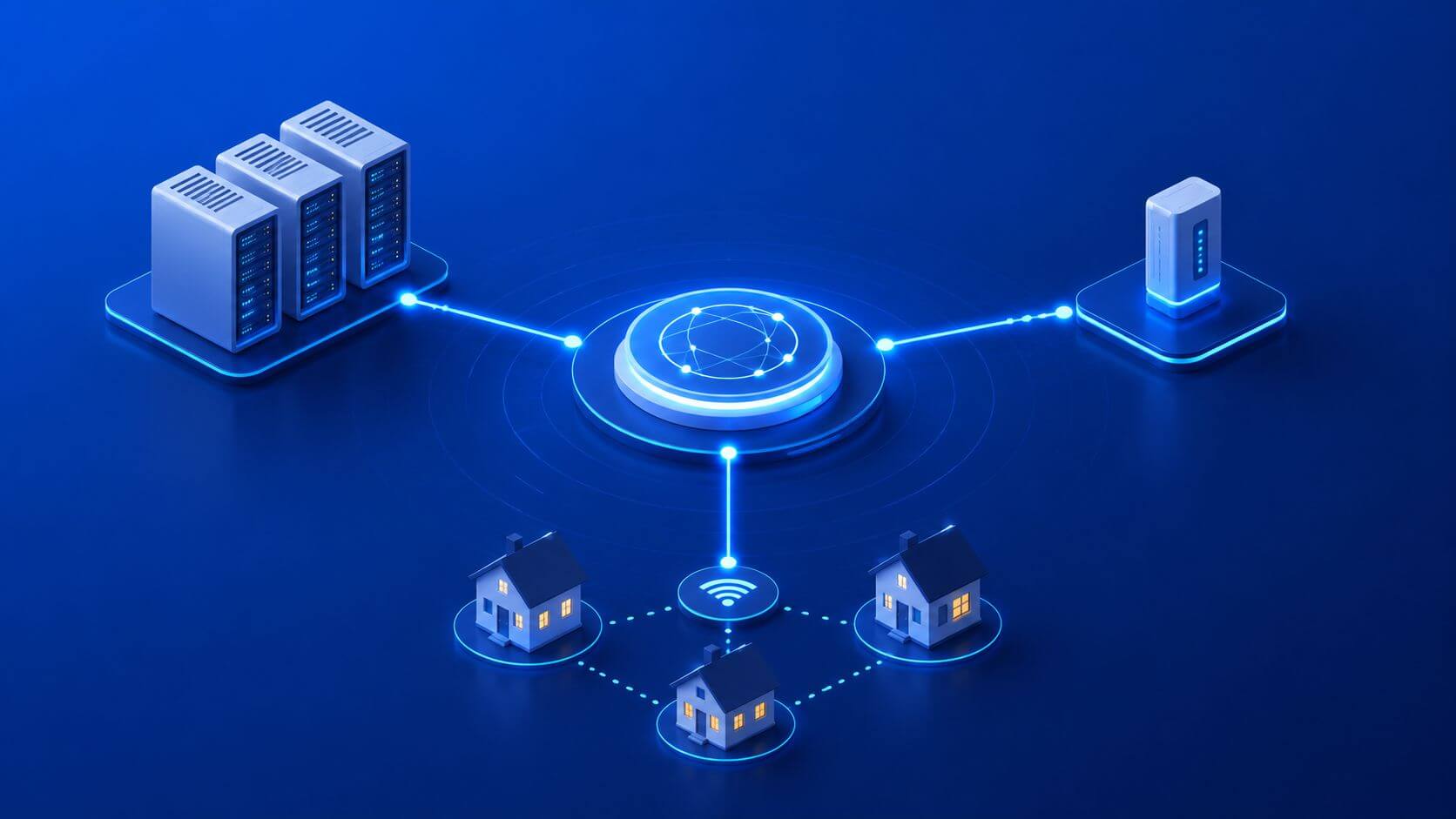
Choosing between datacenter, residential, and ISP proxies is one of the most important infrastructure decisions in scraping, automation, SEO monitoring, ad verification, and price intelligence. Pick the wrong proxy type and your success rate drops, block rates rise, geo accuracy becomes unreliable, and cost per successful request climbs quickly.
The right proxy setup depends on the target website, workload sensitivity, volume, session requirements, and location needs. Datacenter proxies are usually fastest and most cost-efficient for lower-friction public pages. Residential proxies are better for geo-sensitive, consumer-like browsing and harder targets. ISP proxies sit between the two, offering stable IPs with stronger reputation than standard datacenter routes.
The best production systems rarely depend on one proxy type alone. They use a blended routing strategy: datacenter for open pages, ISP for stable session workflows, and residential for geo-sensitive or higher-friction targets.
Quick Answer: Datacenter vs Residential vs ISP Proxies
Datacenter proxies use IPs from hosting or cloud networks. They are fast, affordable, and scalable, but easier for some websites to identify by ASN or IP range.
Residential proxies use IPs assigned by internet service providers to real residential networks. They are better for location-sensitive tasks and websites that expect consumer-like traffic, but they cost more and may have higher latency.
ISP proxies, sometimes called static residential proxies, use ISP-assigned IPs that are often hosted in a more stable environment. They provide a residential-like network profile with better consistency than rotating residential proxies, making them useful for account sessions, recurring checks, and multi-step flows.
In simple terms:
- Use datacenter proxies when speed, cost, and scale matter most.
- Use residential proxies when geo accuracy and block resistance matter more.
- Use ISP proxies when you need stable sessions with stronger network reputation than standard datacenter IPs.
What Are Datacenter Proxies?
Datacenter proxies are IP addresses hosted in data centers, cloud providers, or hosting networks. They are not tied to residential internet connections.
They are commonly used for:
- public web scraping
- high-volume data collection
- SEO checks
- availability monitoring
- basic price monitoring
- API-like workloads
- low-friction websites
Datacenter proxies are popular because they are fast, predictable, and cost-efficient. They are easier to scale when you need high throughput.
The tradeoff is reputation. Many websites can identify hosting provider ranges or cloud ASNs. If a target applies strict anti-bot rules, datacenter IPs may trigger more blocks than residential or ISP routes.
What Are Residential Proxies?
Residential proxies use IP addresses associated with consumer internet connections. These IPs are assigned by ISPs to households or residential networks.
They are commonly used for:
- local SEO monitoring
- geo-targeted testing
- ad verification
- marketplace research
- e-commerce price monitoring
- region-specific content checks
- harder scraping targets
- consumer-facing websites
Residential proxies are useful because they look closer to normal user traffic from a network perspective. They are especially valuable when location matters, such as city-level SERP tracking, localized prices, or regional ad validation.
The tradeoff is cost and speed. Residential routes are usually more expensive than datacenter proxies and may have more variable latency.
What Are ISP Proxies?
ISP proxies are static IPs assigned by internet service providers but often hosted in a more controlled infrastructure environment. They are sometimes called static residential proxies because they combine elements of datacenter and residential proxy behavior.
They are commonly used for:
- recurring account sessions
- login-based workflows
- cart or checkout testing
- stable price checks
- session-heavy scraping
- longer-running automation
- lower-churn monitoring
ISP proxies are valuable when you need a stable IP that carries stronger reputation than a typical datacenter proxy. They are not always as flexible or geo-diverse as rotating residential proxies, but they can provide better continuity for workflows where session stability matters.
Datacenter vs Residential vs ISP Proxies: Key Differences
| Proxy Type | IP Source | Speed | Cost | Geo Accuracy | Session Stability | Best For |
|---|---|---|---|---|---|---|
| Datacenter | Hosting/cloud networks | High | Low | Medium | Medium | Public pages, high-volume scraping, APIs |
| Residential | Consumer ISP networks | Medium | High | High | Medium | Geo-sensitive tasks, local SEO, protected sites |
| ISP | ISP-assigned static ranges | Medium–High | Medium–High | Medium–High | High | Login flows, recurring checks, stable sessions |
No proxy type is universally best. Each one solves a different infrastructure problem.
When to Use Datacenter Proxies
Datacenter proxies are the best starting point when the target is tolerant and the workload is high-volume.
Use datacenter proxies when:
- pages are public and low-friction
- speed matters
- cost per request must stay low
- geo precision is not critical
- the target does not heavily block hosting ASNs
- you are collecting static HTML or API-like responses
- you need high concurrency
Examples include:
- monitoring public category pages
- collecting non-sensitive product data
- checking website availability
- validating URLs
- broad SEO crawling
- scraping documentation pages
- monitoring public feeds
For many teams, datacenter proxies should be the default first test. If they provide high success rate and low CPSR, there is no reason to start with a more expensive proxy type.
When to Use Residential Proxies
Residential proxies are better when location accuracy, consumer-like network identity, or block resistance matters.
Use residential proxies when:
- results vary by city, region, or country
- target sites block datacenter ranges
- the workflow looks like normal consumer browsing
- localized pricing matters
- local SERP accuracy matters
- marketplace or retailer pages are sensitive
- ad verification requires target-market visibility
Examples include:
- local SEO monitoring
- city-level rank tracking
- competitive price monitoring
- regional marketplace research
- geo-targeted ad validation
- travel fare checks
- localized content testing
Residential proxies are also useful when the cost of bad data is high. If a cheaper route returns wrong-region content or frequent soft blocks, residential proxies may lower total cost by improving valid output.
When to Use ISP Proxies
ISP proxies are useful when you need stable sessions and stronger network reputation than datacenter proxies.
Use ISP proxies when:
- workflows require recurring access from the same IP
- session continuity matters
- login or account workflows are involved
- cookies need to persist across steps
- cart or checkout testing is required
- rotating residential sessions are too unstable
- datacenter routes trigger too much friction
Examples include:
- recurring price checks
- account-based dashboards
- cart and shipping estimate workflows
- marketplace monitoring
- multi-step automation
- long-running browser sessions
ISP proxies can be especially useful when residential rotation creates too much churn but datacenter IPs do not provide enough trust.
Decision Framework: Which Proxy Type Should You Choose?
Start by asking four questions.
1. How difficult is the target?
If the target is public, static, and tolerant, start with datacenter proxies.
If the target has moderate anti-bot rules or requires session continuity, test ISP proxies.
If the target is highly geo-sensitive, consumer-facing, or frequently blocks datacenter routes, test residential proxies.
2. How important is geo accuracy?
For country-level checks, datacenter or ISP proxies may work.
For city, ZIP, neighborhood, or localized content, residential proxies are usually stronger.
3. Is the workflow stateless or session-based?
For independent page fetches, rotation can work well.
For login, cart, quote, filter, pagination, or account workflows, use sticky sessions with ISP or residential proxies.
4. What is the acceptable CPSR?
CPSR means cost per successful request.
In plain terms: CPSR tells you how much each usable result costs after proxy spend, browser compute, retries, and failed attempts.
A more expensive proxy can still be cheaper overall if it reduces blocks and retries.
Practical Proxy Routing Model
A mature proxy setup usually routes by workload, not by preference.
| Workload | Recommended Starting Route | Upgrade Route |
|---|---|---|
| Public static pages | Datacenter | ISP if blocks rise |
| Product listings | Datacenter | Residential for sensitive retailers |
| Product detail pages | Datacenter or ISP | Residential for geo or block issues |
| Local SEO checks | Residential | Mobile sample if needed |
| Login workflows | ISP | Residential sticky |
| Cart or checkout tests | ISP | Residential sticky |
| Geo-targeted ad validation | Residential | Mobile for selected markets |
| High-friction targets | Residential | Lower volume, stronger session controls |
This blended model protects cost while improving reliability where it matters.
Rotation and Session Strategy
Proxy type is only one part of the setup. Rotation policy matters just as much.
Use rotating sessions when:
- each request is independent
- the target is low-friction
- high volume is needed
- no cookies or state are required
- geo precision is broad
Use sticky sessions when:
- the workflow spans multiple steps
- cookies matter
- cart or login state must persist
- pagination must stay consistent
- regional content must remain stable
- browser sessions are involved
Avoid rotating IPs in the middle of a multi-step flow. That can break session trust and return inconsistent data.
Browser Fingerprinting and Proxy Type
Changing proxy type will not fix every scraping or automation problem.
Websites may also evaluate browser fingerprints, including:
- User-Agent
- timezone
- language
- WebGL
- canvas
- fonts
- device memory
- screen size
- browser version
- WebRTC behavior
A residential IP paired with an inconsistent browser profile can still fail.
For deeper context, read Browser Fingerprinting for Web Scraping: What Proxies Can and Cannot Fix.
If you run browser-based workflows, also validate network leaks. A proxy route can be undermined if the browser exposes conflicting network information through WebRTC. For more, see WebRTC Leaks: Why They Break Anti-Detect Setups.
What to Measure Before Scaling
Do not choose a proxy type based on assumptions. Run a pilot and measure performance.
Track:
| Metric | Why It Matters |
|---|---|
| Success rate | Shows how often valid data is returned |
| Block rate | Tracks 403, 429, CAPTCHA, and challenge pages |
| Soft block rate | Catches pages that load but return bad content |
| Retry depth | Reveals hidden instability |
| CPSR | Measures real cost per usable result |
| Latency | Affects throughput and freshness |
| Session survival | Shows how long a route remains usable |
| Geo accuracy | Confirms location-sensitive results |
| Parser error rate | Separates page changes from proxy issues |
A proxy type should be judged by valid output, not raw request volume.
Cost Control: Avoid Using Premium Proxies Everywhere
The most expensive setup is not always the best setup.
Control cost by:
- starting with datacenter proxies on easy targets
- escalating only difficult pages
- using residential proxies for geo-sensitive workflows
- using ISP proxies for stable sessions
- limiting full browser rendering
- capping retries
- detecting soft blocks early
- measuring CPSR by route
- routing by domain and page type
- reviewing proxy performance weekly
For budget planning, compare expected traffic volume and route requirements with SquidProxies proxy plans and pricing.
Real-World Scenario: E-Commerce Price Monitoring
A pricing team monitors 100,000 products across several retailers.
The first setup uses residential proxies for every page. Success rate is strong, but costs are too high.
The improved setup uses:
- datacenter proxies for category pages
- ISP proxies for recurring product checks
- residential proxies for sensitive product detail pages
- sticky sessions for region-specific pricing
- browser rendering only when price data requires it
The result is lower CPSR without sacrificing coverage on difficult pages.
Real-World Scenario: Local SEO Rank Tracking
An agency tracks rankings across multiple cities and neighborhoods.
Datacenter proxies work for national checks, but local results do not match manual spot checks. City-level accuracy is inconsistent.
The improved setup uses residential proxies for local SERPs and keeps datacenter proxies for broad national monitoring.
Geo accuracy improves, and the agency can separate real ranking changes from collection errors.
Common Mistakes to Avoid
Choosing One Proxy Type for Every Job
Different pages have different risk levels. Route by workload.
Rotating Too Often
Per-request rotation can break session continuity. Use sticky sessions for multi-step workflows.
Ignoring Geo Accuracy
A proxy may not return the intended regional experience. Validate location from returned content.
Treating Blocks as Proxy-Only Problems
Blocks can come from browser fingerprints, request patterns, parser errors, or session issues.
Overusing Residential Proxies
Residential proxies are valuable, but using them on easy public pages can waste budget.
Not Measuring Soft Blocks
A page can return HTTP 200 but still be invalid. Always validate content.
Frequently Asked Questions
What is the difference between datacenter, residential, and ISP proxies?
Datacenter proxies come from hosting or cloud networks. Residential proxies come from consumer ISP networks. ISP proxies are static ISP-assigned IPs that provide stronger reputation than standard datacenter routes with more stability than rotating residential proxies.
Which proxy type is best for web scraping?
It depends on the target. Datacenter proxies are best for low-friction, high-volume scraping. Residential proxies are better for geo-sensitive or harder targets. ISP proxies are useful for stable sessions and recurring workflows.
Are residential proxies always better than datacenter proxies?
No. Residential proxies may improve success on difficult targets, but they cost more. For public pages that work well with datacenter proxies, residential proxies may increase cost without improving results.
When should I use ISP proxies?
Use ISP proxies when you need static, stable IPs with stronger reputation than normal datacenter IPs. They are useful for login flows, cart workflows, recurring checks, and session-heavy automation.
Which proxy type is best for SEO rank tracking?
For national tracking, datacenter or ISP proxies can work. For local SEO, city-level tracking, and map pack monitoring, residential proxies are usually better.
Which proxy type is best for e-commerce price monitoring?
Use a hybrid strategy. Datacenter proxies can handle listings and easy pages. ISP or residential proxies are better for product detail pages, regional prices, and sensitive retailers.
How do I reduce proxy costs?
Route by page difficulty, cap retries, detect soft blocks, avoid unnecessary browser rendering, and use premium proxies only where they improve valid output.
How do I know if I need to upgrade proxy type?
Upgrade when block rate, soft block rate, geo mismatch, or retry depth remains high after tuning headers, pacing, session strategy, and validation.
Final Thoughts
Datacenter vs residential vs ISP proxies is not a one-time decision. It is an ongoing routing strategy.
Datacenter proxies are fast and cost-effective. Residential proxies provide stronger geo and consumer-like signals. ISP proxies offer stable sessions with better reputation than typical datacenter IPs.
The strongest infrastructure uses all three intentionally. Start with the simplest route that returns valid data, measure success rate and CPSR, then escalate only where the workload requires it.
For implementation support, explore SquidProxies proxy tutorials and broader proxy use cases to match proxy type with real production workflows.
Related Articles

Rotating vs Static Proxies: Performance Tradeoffs
A practical, decision-focused guide comparing rotating and static proxies. Learn how each impacts success rate, block rate, latency, cost, and data quality. Includes a selection framework, tuning tips, failure modes, and measurable metrics for scraping, automation, and analytics teams.

Mobile Proxies vs Residential Proxies: A Practical Buying and Build Guide
A hands-on comparison of mobile vs residential proxies for scraping, ads, and automation. Learn when to use each, how they work, what to measure, failure modes, and a decision framework to cut block rates and improve ROI.
ISP Proxies Explained: When to Use Them
A practical, decision-focused guide to ISP proxies. Learn what they are, where they outperform residential and datacenter proxies, key trade-offs, deployment tips, metrics to track, and real-world scenarios.