 Live Chat
 Log In

Residential vs Datacenter Proxies for Web Scraping: Which One Lowers CPSR?
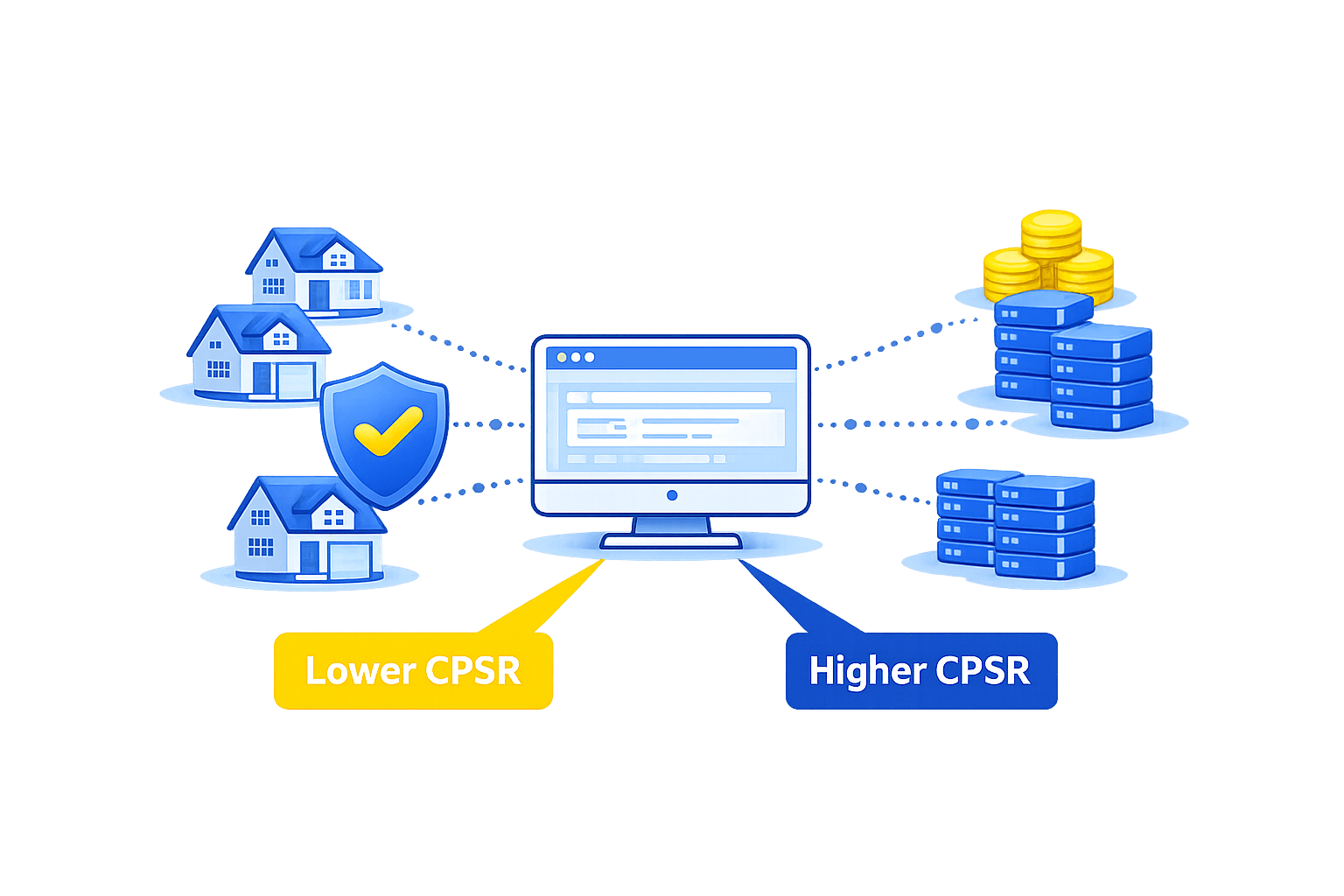
You’re shipping a scraping job that must be both reliable and cheap. But block rates keep rising, retries spike, and your cloud bill drifts up. The core choice—residential vs datacenter proxies—decides your CPSR (cost per successful request). By the end, you’ll know how to pick, pilot, and monitor the mix that actually lowers cost.
In short: residential proxies tend to reduce CPSR on high-friction sites where stealth matters, while datacenter proxies often win on low-friction targets due to lower unit cost. The best choice depends on block pressure, required geos, session rules, and throughput. Validate with an A/B pilot and measure CPSR directly.
Residential vs Datacenter Proxies: the CPSR answer
If you face strict anti-bot systems, login gates, or aggressive rate limits, residential IPs usually lead to fewer blocks and fewer expensive retries, which can reduce CPSR. On simple, public pages with light defenses, datacenter IPs deliver higher throughput at a lower price, and can produce the lowest CPSR. Most large teams blend both.
How CPSR Works in Scraping Programs
Cost per successful request (CPSR) is a practical way to compare proxy strategies. It combines your actual cost and the quality of your traffic.
A common formula looks like this: CPSR = (Proxy spend + Infra + Captcha + Engineering time) / Successful requests. In plain terms: what did you pay for each success that made it through?
Key drivers that move CPSR up or down:
- Success rate: Fewer blocks mean fewer retries and lower CPSR.
- Unit cost: Price per GB, per IP, or per request changes the numerator.
- Retry depth: More retries inflate costs and slow throughput.
- Concurrency and throttling: Right-sized concurrency avoids bans and chaos.
- Session design: Stable sessions cut re-auth and cart resets on complex flows.
- Geo accuracy: Correct locale reduces misroutes, captchas, and fraud checks.
For an in-depth breakdown of the metric and how to instrument it, see the guide on cost per successful request. It shows how to track CPSR in your pipeline and spot where spend actually goes. Read more in the cost per successful request explainer: measuring cost per successful request (CPSR).
Target Profiles and Anti-Bot Pressure
Not all targets are equal. Map your sites into rough tiers. The right proxy choice usually reveals itself.
- Low-friction: Public catalogs, blog pages, simple directories. Light WAF rules, minimal device checks, and rare captchas.
- Medium-friction: E-commerce category pages, travel listings, marketplaces. Geo sensitivity, moderate WAF tuning, burst-sensitive.
- High-friction: Login flows, real-time inventory/pricing, ticketing, sneaker drops, ad verification with tight SLAs. Dynamic fingerprints, heavy bot scoring, and frequent blocks.
CPSR tends to be lowest when your proxy type matches the friction:
- Low-friction: Datacenter usually wins on cost and speed.
- Medium-friction: Mixed strategy; datacenter with careful throttling, or residential for the heaviest segments.
- High-friction: Residential reduces blocks and downstream overhead more often.
How Proxy Types Affect CPSR Inputs
Both proxy types can succeed. The impact shows up in specific signals you can measure.
| Driver | Datacenter proxies | Residential proxies |
|---|---|---|
| Unit cost | Typically lower | Typically higher |
| Raw speed | Often faster | Often slower |
| Block rate on hard targets | Higher risk | Lower risk |
| Session stickiness | Stable pools; easy to manage | Available; may rotate by design |
| Geo coverage | Strong for common regions | Wide, granular city/ISP options |
| Fingerprint realism | Data-center ASN flags more often | Consumer ASN often trusted more |
If you’re new to the class, a deeper overview of performance characteristics can help. Start with this datacenter overview for context: how datacenter proxies are typically used.
Decision Framework: Lowering CPSR Without Guesswork
Use a short, controlled pilot to compare options. Focus on reducing the numerator (spend) and raising the denominator (successes).
- Define success rules
- What counts as “successful”? HTTP 200 alone may be false-positive. Validate presence of a selector (e.g., price) and confirm no soft blocks.
- Build an A/B test
- Same scraper, headers, pacing, and time window. Only proxy type differs. Separate logs per variant.
- Run a right-sized sample
- Enough requests to stabilize results. As an example target to validate in a pilot: 5k–20k requests per variant on medium-friction targets.
- Compare metrics that drive CPSR
- CPSR for each variant.
- Block rate by status group (403/429/5xx) and by site.
- Retry depth and median time-to-success.
- Geo-match accuracy and session duration.
- Mix based on the winner per segment
- Route easy endpoints to datacenter IPs.
- Route login/cart/checkout or WAF-heavy endpoints to residential.
- Re-test when the site’s defenses change.
Need ideas for segmentation? This overview of common proxy use cases shows where each proxy type tends to shine: mapping proxy strategies to use cases.
Implementation Tips That Actually Move CPSR
Scraping performance has many knobs. A few matter more than others for cost per successful request.
-
Concurrency pacing
- Start low. Increase until you see 429/403 pressure, then back off 10–20% as an example target during pilots.
- Spread bursts across IPs/ASNs and time windows.
-
Rotation and stickiness
- For static content: frequent rotation (every request or small batch) can prevent clustering.
- For carts, checkouts, or any stateful flow: use sticky sessions to avoid resets.
-
Header and TLS strategy
- Keep headers simple and consistent. Mimic modern browsers for consumer-like flows.
- Rotating minor headers too often can look odd. Change only what is necessary.
-
Retries and backoff
- Set a strict retry cap. Repeated 403/429 suggests pacing, not persistence.
- Backoff strategically instead of hammering.
-
Data validation
- Treat soft blocks as failures (e.g., empty price). Reward real success, not status codes.
- Log response size and key selectors.
-
Geo and ASN alignment
- Use country or city IPs that match the target’s audience.
- Avoid sharp geo flips during a session.
When your flows rely on user-like behavior, this guide on residential networks adds helpful context on rotation patterns and ISP diversity: residential proxy characteristics and fit.
Two Short Scenarios
Scenario 1: Price tracking for a large retailer
- The brand scrapes 40k category pages per hour. Public pages, minimal bot rules.
- Datacenter IPs with smooth pacing and moderate rotation deliver high throughput.
- CPSR drops as retries fall below a small threshold and unit cost remains low.
Scenario 2: Flash inventory on a protected marketplace
- The team needs logged-in pages with tight rate limits and frequent captchas.
- Residential IPs with sticky sessions pass fewer device checks and reduce captchas.
- CPSR falls even though unit cost per GB is higher—fewer retries and failed flows.
Watch Out for This
-
Misleading success metrics
- 200 OK can be a trap. Confirm content presence and no interstitials.
-
Over-rotation on stateful flows
- Swapping IPs mid-session can reset carts or tokens. Use stickiness where needed.
-
Under-rotation on public pages
- Long sessions on the same IP can trigger pattern rules. Rotate modestly.
-
Ignoring geo consistency
- Jumping countries between steps looks suspicious. Keep locale stable per flow.
-
Paying for the wrong pool
- Static residential can be useful, but costly if you don’t need it. Match pool to use case.
-
No change control
- When WAF rules shift, your old settings may bleed money. Re-pilot on major deltas.
Mid-Article Checkpoint: Residential vs Datacenter Proxies and CPSR
At this point, you’ve seen how residential vs datacenter proxies behave under different pressures. The shortest path to a lower CPSR is a segmented approach: datacenter for easy pages and residential for guarded paths. Measure CPSR by segment, not as a single average.
Validating Results: A Minimal Test Matrix
Keep tests tight and fair. Here’s a compact framework that many teams use:
- Targets: Pick 1–3 representative sites across friction tiers.
- Duration: Run both variants in the same time window to avoid diurnal bias.
- Controls: Same headers, parser, and captcha solver configuration.
- Outputs: CPSR, block rate, retries, time-to-success, geo accuracy, and session length.
- Decision: Choose the winner per target type. Blend routes accordingly.
Troubleshooting Signals That Predict CPSR Changes
-
Rising 429s or 403s
- Decrease concurrency or add jitter. Consider shifting the route to residential for that endpoint.
-
More captchas than usual
- Increase IP diversity, add residential for high-risk steps, or slow down bursts.
-
Stable 200s but empty data
- Soft blocks or template shifts. Update validation rules and treat empties as failures.
-
Geo errors or language mismatch
- Fix country/city targeting. Keep sessions in one locale.
-
Throughput dips with no obvious errors
- Check DNS time, TLS handshake time, and proxy latency. Consider datacenter for bulk fetches where speed matters.
Frequently Asked Questions
Does CPSR usually favor datacenter or residential proxies?
It depends on target friction. On easy, public pages, datacenter IPs often yield the lowest CPSR due to lower unit cost and higher speed. On guarded or logged-in flows, residential IPs usually reduce blocks and retries, which can push CPSR lower despite a higher unit cost per GB or request.
How should I calculate CPSR in my pipeline?
Track all scraping costs that scale with traffic—proxy spend, compute, captcha solving, and any per-request services—then divide by successful requests. A good success rule is content-based (e.g., price selector present) rather than status-code only. Log CPSR per site and per endpoint category.
What sample size is enough for an A/B proxy test?
You want a big enough run to stabilize block and retry rates. As an example target to validate in a pilot, many teams start with 5k–20k requests per variant on medium-friction targets. If variance is high, extend the test window or split by time of day.
Can I lower CPSR with datacenter proxies on medium-friction sites?
Yes, if you tune concurrency, rotate predictably, and accept that some endpoints should move to residential. A hybrid route—datacenter for static pages, residential for login or cart steps—often outperforms a single-type approach on CPSR.
Are residential proxies required for logged-in flows?
Not required, but they help. Consumer ASNs and realistic IP diversity can reduce device checks and bot scores. If you must use datacenter for cost reasons, add stricter pacing, longer sessions, and fallbacks for spikes in 403/429.
Where do captchas fit into CPSR?
Captcha solving adds direct cost and time. If residential IPs reduce captcha frequency on a target, the CPSR may drop even if proxy unit cost rises. Track captcha rate per 1,000 requests while testing.
How do I avoid paying for failures that look like success?
Define success as both a valid status code and valid content (e.g., specific selectors, JSON keys). Treat soft blocks (e.g., empty body, challenge pages) as failures. This prevents CPSR from looking better than it is.
What if my throughput goals demand datacenter speed but blocks are rising?
Use datacenter for the bulk fetches and route sensitive steps to residential. Add jitter, stagger concurrency across subnets, and slow down on bursty pages. Monitor block codes and session resets; shift more traffic to residential when error rates cross your threshold.
How do geo and ISP diversity change CPSR?
Accurate geo reduces misroutes, language mismatches, and fraud checks. On geo-sensitive sites, residential pools with broad city coverage can cut retries, which lowers CPSR. On global, low-friction content, datacenter in nearby regions can be faster and cheaper.
Is there a single setting that typically moves CPSR the most?
Reducing retries. Tune concurrency and rotation to keep first-pass success high. Each avoided retry saves proxy cost, compute time, and downstream processing. Watch the slope of 403/429 after each change.
Bringing It Together
The lowest CPSR comes from matching proxy type to target friction and validating the result in a simple A/B pilot. On easy pages, datacenter proxies often win. On guarded flows, residential proxies pay for themselves through higher first-pass success and fewer retries. Keep the decision data-driven and segment by endpoint.
Next steps:
- Define a content-based success rule per site.
- Run a controlled pilot: residential vs datacenter on a few representative endpoints.
- Track CPSR, block rate, retries, and time-to-success per segment.
- Blend traffic by winner and re-test when defenses change.
If you want more depth after this, explore SquidProxies’ guides on proxy types, use cases, and measurement frameworks to refine your rollout. Choosing well between Residential vs Datacenter Proxies is not a one-time call—revisit the mix as your targets evolve and as your CPSR signals move.
Related Articles

Rotating vs Static Proxies: Performance Tradeoffs
A practical, decision-focused guide comparing rotating and static proxies. Learn how each impacts success rate, block rate, latency, cost, and data quality. Includes a selection framework, tuning tips, failure modes, and measurable metrics for scraping, automation, and analytics teams.

Mobile Proxies vs Residential Proxies: A Practical Buying and Build Guide
A hands-on comparison of mobile vs residential proxies for scraping, ads, and automation. Learn when to use each, how they work, what to measure, failure modes, and a decision framework to cut block rates and improve ROI.

ISP Proxies Explained: When to Use Them
A practical, decision-focused guide to ISP proxies. Learn what they are, where they outperform residential and datacenter proxies, key trade-offs, deployment tips, metrics to track, and real-world scenarios.