 Live Chat
 Log In

How to Use Residential Proxies with Puppeteer
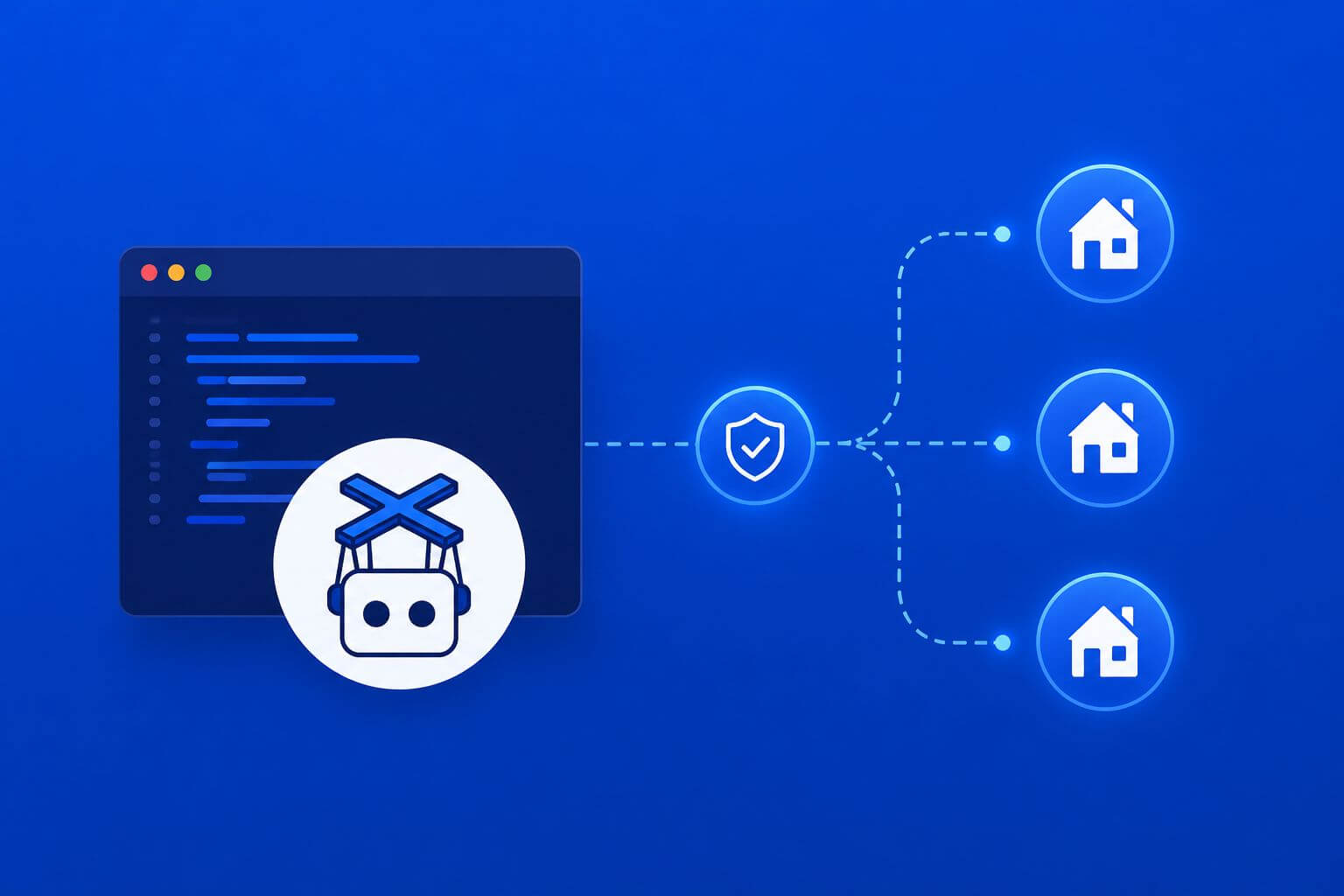
Puppeteer is excellent for automating modern websites, but it can become unreliable when targets start reacting to repeated browser sessions, shared IP ranges, or inconsistent location signals. That is where a stronger proxy strategy matters. Using residential proxies with Puppeteer helps browser automation teams improve session realism, access geo-sensitive content, and reduce blocks on protected websites.
The practical goal is simple: pair each browser session with the right proxy route, keep session signals consistent, and monitor whether the setup produces valid data. This guide explains how to configure Puppeteer residential proxies, when to use sticky sessions, what to avoid, and which metrics to track before scaling.
Why Puppeteer needs residential proxies for harder targets
Puppeteer is a Node.js library for controlling Chromium-based browsers. It is often used for web scraping, testing, automation, monitoring, and browser-based data collection.
For simple websites, Puppeteer may work with no proxy or with datacenter routes. However, protected websites often evaluate more than the browser request itself. They may look at IP reputation, location, request timing, cookies, browser state, and session behavior.
Residential proxies help because they route traffic through IP addresses associated with real consumer internet connections. In practical terms, they can make browser sessions appear closer to normal user traffic when compared with obvious server-side ranges.
This does not mean residential proxies solve every blocking problem. They work best when combined with clean browser configuration, controlled pacing, good session handling, and content validation.
How do you use residential proxies with Puppeteer?
To use residential proxies with Puppeteer, pass the proxy server at browser launch, authenticate if required, and keep each browser context aligned with one proxy session. For stable results, use sticky sessions for login or multi-step workflows, rotate only at natural boundaries, and monitor blocks, latency, session survival, and valid-content success rate.
When residential proxies are the right choice
Residential proxies are most useful when the workflow depends on trust, location, or session continuity.
Use them for:
- login-based dashboards
- geo-sensitive product pages
- travel or marketplace research
- localized SERP monitoring
- ad verification
- retail price checks
- pages that trigger CAPTCHA or soft blocks with server-side IPs
They are less necessary for:
- simple public pages
- internal QA checks
- low-risk URL validation
- static content collection
- high-volume discovery where datacenter IPs already work
The decision should be based on evidence. If datacenter routes produce stable results and low block rates, there may be no need to move the whole workflow to residential. If failed sessions, CAPTCHA, geo mismatch, or soft blocks rise, test residential routing on the affected paths.
Basic Puppeteer residential proxy setup
Puppeteer supports proxy configuration through Chromium launch arguments. The most common pattern is to pass the proxy server when launching the browser.
const puppeteer = require('puppeteer');

const browser = await puppeteer.launch({
  headless: true,
  args: [
    '--proxy-server=http://proxy-host:proxy-port'
  ]
});

const page = await browser.newPage();

await page.authenticate({
  username: 'proxy-username',
  password: 'proxy-password'
});

await page.goto('https://example.com', {
  waitUntil: 'networkidle2'
});

await browser.close();
This structure works when your proxy requires username and password authentication.
If your provider uses IP authorization, you may not need page.authenticate(). In that case, the connecting server must already be authorized in your proxy dashboard.
Matching proxy sessions to browser sessions
A common mistake is treating browser sessions and proxy sessions as separate concerns. They are connected.
A browser session includes cookies, local storage, fingerprint signals, navigation history, and sometimes login state. A proxy session controls the network identity and location. If those two layers change at different times, the session can become inconsistent.
For example, a browser profile may carry cookies from a US session while the proxy suddenly exits from another country. That mismatch can trigger extra checks, wrong content, or failed authentication.
A cleaner rule is this:
- one browser context
- one proxy route
- one region
- one session purpose
This does not mean every task needs a new browser. It means every meaningful identity should stay internally consistent.
Sticky sessions vs rotating residential proxies
Sticky sessions keep the same residential IP for a set period. Rotating sessions change IPs across requests, pages, or time windows.
For Puppeteer, sticky sessions are often better for workflows that behave like real browsing.
Use sticky sessions for:
- login flows
- cart or checkout simulation
- account dashboards
- multi-page pagination
- travel search flows
- localized browsing paths
Use rotation for:
- independent pages
- discovery crawling
- product URL validation
- one-off page checks
- large URL lists where cookies do not matter
The key is timing. Rotate between tasks, not in the middle of a task. If a session is halfway through a login flow, changing the proxy can break state or raise risk signals.
Puppeteer proxy strategy by workload
| Workload | Recommended proxy approach | Session rule |
|---|---|---|
| Public page rendering | Datacenter or residential test | Rotate by batch |
| Localized eCommerce pricing | Residential proxy | Sticky per region |
| Login-based dashboard | Residential proxy | Sticky until workflow ends |
| Travel availability search | Residential proxy | Sticky per route or search set |
| SERP or ad verification | Residential proxy | One session per location |
| Large discovery crawl | Datacenter first, residential fallback | Rotate on block or mismatch |
This framework keeps residential traffic focused where it changes the outcome. It also prevents unnecessary cost when easier routes already work.
How to configure Puppeteer with multiple proxies
For small jobs, launching one browser per proxy may be enough. For larger jobs, you need a controlled browser pool.
A simple multi-proxy pattern looks like this:
const puppeteer = require('puppeteer');

const proxies = [
  {
    server: 'http://proxy1-host:proxy1-port',
    username: 'user1',
    password: 'pass1'
  },
  {
    server: 'http://proxy2-host:proxy2-port',
    username: 'user2',
    password: 'pass2'
  }
];

async function runWithProxy(proxy, url) {
  const browser = await puppeteer.launch({
    headless: true,
    args: [`--proxy-server=${proxy.server}`]
  });

  const page = await browser.newPage();

  await page.authenticate({
    username: proxy.username,
    password: proxy.password
  });

  await page.goto(url, { waitUntil: 'networkidle2' });

  const title = await page.title();

  await browser.close();

  return title;
}
This is intentionally simple. In production, you would add retries, timeout handling, proxy health checks, error labels, and content validation.
For broader implementation patterns, SquidProxies has proxy tutorials that can help when moving from a test script to a production workflow.
Browser context strategy for cleaner isolation
Puppeteer allows multiple pages and browser contexts. A browser context is an isolated environment where cookies and storage can be separated from other contexts.
Use separate contexts when:
- testing different regions
- separating account sessions
- running parallel workflows
- avoiding cookie crossover
- comparing proxy routes
However, be careful with resource use. Full browser automation is heavier than HTTP scraping. Too many browser instances can increase memory pressure, slow down navigation, and raise operational cost.
A balanced approach is to keep a small number of browser workers and assign sessions carefully.
What to monitor before scaling
A residential proxy setup should be judged by usable output, not by whether the browser opened the page.
Track these metrics:
- Success rate: completed workflows divided by total attempts
- Block rate: 403, 429, CAPTCHA, or challenge events
- Soft block rate: 200 responses with wrong, empty, or incomplete content
- Session survival: how many pages or actions complete before the session fails
- Geo accuracy: whether the returned content matches the intended region
- Latency: time to meaningful page load
- Retry depth: how many attempts are needed for each successful result
- CPSR: cost per successful request or action
CPSR = total workflow cost / successful validated outputs.
In plain terms: CPSR tells you how much each usable result actually costs after proxy spend, compute, and retries.
If residential proxies reduce blocks but slow everything down too much, measure the net result. The better setup is the one that produces reliable data at the lowest sustainable cost, not the one with the most premium route.
Watch out for common Puppeteer proxy mistakes
Changing IPs too often
Frequent rotation can break cookies, login state, and locale consistency. Rotate at workflow boundaries instead of during a session.
Ignoring page content validation
A page can load successfully but still return the wrong content. Validate selectors, text, currency, region, and required fields.
Using one proxy pool for every target
Different targets react differently. Segment routes by domain, sensitivity, and workflow type.
Launching too many browsers
Puppeteer is resource-intensive. If every request opens a new browser, compute cost can rise quickly. Use worker pools and reuse safe browser structures where appropriate.
Mixing regions inside one workflow
A session that starts in one country and continues from another can look suspicious and produce bad data. Keep proxy location, timezone, language, and workflow purpose aligned.
How residential proxies fit into broader scraping systems
Puppeteer is only one part of a complete automation stack. Many teams use lighter HTTP clients or scraping frameworks for simple requests, then reserve Puppeteer for pages that need JavaScript rendering or real browser behavior.
That same logic should apply to proxies.
Use residential proxies where they improve success, session stability, geo accuracy, or data quality. Use lighter routes where the target does not require stronger identity signals.
For teams building larger systems, web scraping proxies should be selected by workload instead of applied globally. The right proxy choice depends on whether the task is discovery, rendering, login, validation, or extraction.
Frequently Asked Questions
Can Puppeteer use residential proxies?
Yes. Puppeteer can use residential proxies by passing the proxy server through Chromium launch arguments and authenticating through page.authenticate() when required. The important part is matching proxy sessions with browser sessions so cookies, location, and identity stay consistent.
Are residential proxies better than datacenter proxies for Puppeteer?
Residential proxies are better for protected, geo-sensitive, or session-heavy workflows. Datacenter proxies can still be better for fast, low-friction tasks where the target accepts server-side traffic.
Should I rotate proxies on every Puppeteer page?
Not for stateful workflows. Rotating on every page can break sessions and cause inconsistencies. Use sticky sessions for login, pagination, carts, dashboards, and localized browsing paths.
Why does my Puppeteer script get blocked even with residential proxies?
The issue may be browser behavior, headers, pacing, cookies, fingerprint signals, or content validation. Residential proxies help with network identity, but the browser session still needs to behave consistently.
How do I lower CPSR in Puppeteer scraping?
Reduce unnecessary browser launches, limit retries, validate content early, and use residential proxies only where they improve success. Route easier pages through lower-cost paths when possible.
What should I monitor in a Puppeteer proxy setup?
Start with success rate, block rate, soft block rate, session survival, geo accuracy, latency, retry depth, and CPSR. These metrics show whether the setup is reliable and cost-efficient.
Final thoughts
Using Puppeteer residential proxies well is less about plugging in a proxy URL and more about designing a stable browser session. The proxy, cookies, browser context, region, and workflow should all point in the same direction.
Start with the target’s behavior. Use residential proxies for sensitive, localized, or account-based flows. Keep sessions sticky when continuity matters, rotate at natural boundaries, and measure whether the setup improves valid outputs.
For production teams, the best Puppeteer proxy strategy is the one that reduces blocks without creating new instability. Build it around evidence, not assumptions, and refine it based on the metrics that affect real output quality.
Related Articles
Scrapy Middleware Optimization for Large Proxy Pools
Learn how to optimize Scrapy middleware for large proxy pools using smarter routing, health scoring, retry classification, concurrency balancing, and session management. This guide explains practical middleware strategies that reduce block rates, improve scraper stability, lower CPSR, and help large-scale scraping systems scale more efficiently.

Selenium Proxy Rotation Strategies That Actually Work
Learn practical Selenium proxy rotation strategies that actually work for browser automation, scraping, SEO monitoring, and account-based workflows. This guide covers residential vs datacenter proxies, sticky sessions, browser-session alignment, rotation timing, production-ready examples, and the key metrics teams should monitor to reduce blocks and improve automation reliability.