 Live Chat
 Log In

E-Commerce Price Monitoring Infrastructure Guide
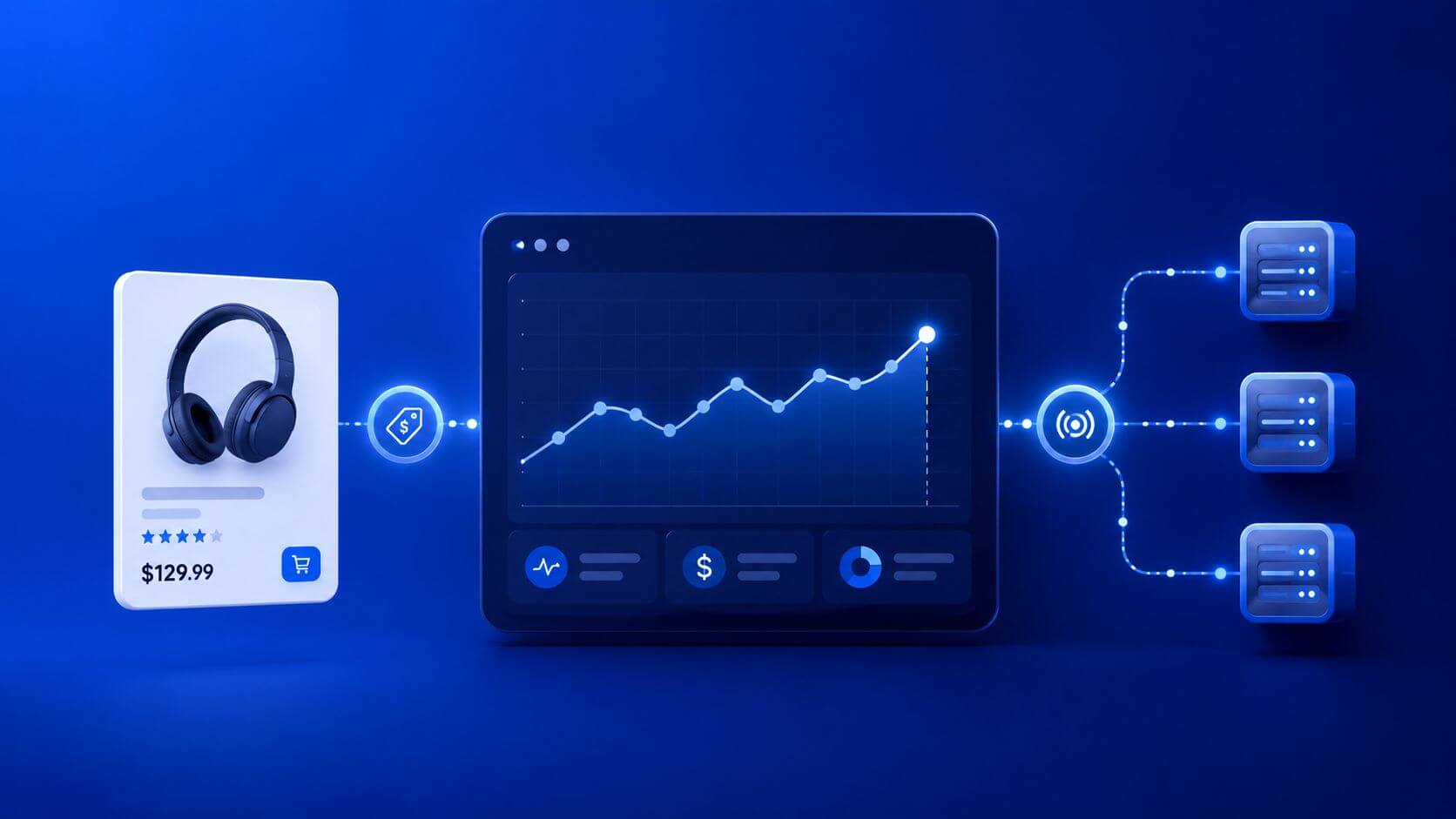
E-commerce prices change quickly. Competitors adjust pricing, marketplaces show different offers by region, promotions expire without warning, and product availability can shift several times in a day. If your monitoring system is slow, noisy, or incomplete, your pricing decisions become reactive instead of strategic.
E-commerce price monitoring is the process of collecting product prices, availability, promotions, shipping signals, and regional variations from target sites on a defined schedule. A strong infrastructure uses reliable fetchers, selective browser rendering, web scraping proxies, resilient parsers, validation rules, and monitoring dashboards to keep price data accurate, timely, and cost-controlled.
The goal is not just to scrape more pages. The goal is to collect usable price intelligence at scale with predictable cost, low block rates, and strong data quality.
What Is E-Commerce Price Monitoring Infrastructure?
E-commerce price monitoring infrastructure is the full system behind automated price collection. It discovers URLs, schedules jobs, fetches pages, renders dynamic content when needed, extracts structured price fields, validates data, normalizes results, stores historical records, and alerts teams when prices change.
A complete infrastructure usually includes:
- product URL discovery
- crawl scheduling
- HTTP fetching
- browser rendering when needed
- proxy routing
- session management
- price extraction
- currency normalization
- availability parsing
- duplicate handling
- quality assurance
- data storage
- monitoring and alerts
A simple scraper may work for a few products. But once you monitor thousands of SKUs across multiple retailers, regions, or marketplaces, you need a production-grade system.
Why Price Monitoring Gets Hard at Scale
Price monitoring becomes difficult because product pages are not static.
Common challenges include:
- prices changing by region or ZIP code
- promotions appearing only for some users
- product variants with different prices
- currency differences across markets
- dynamic prices loaded through JavaScript
- cookie or consent gates hiding content
- soft blocks returning empty product pages
- A/B tests changing page structure
- high request volume triggering rate limits
- parser failures after site redesigns
If these issues are not handled properly, dashboards may show outdated, missing, or incorrect prices. That can affect margins, bidding decisions, inventory planning, and competitor analysis.
Core Architecture for Price Monitoring
A strong e-commerce price monitoring stack should be modular. Each layer should do one job well.
Product URL List
   ↓
Scheduler
   ↓
Fetcher / Browser Renderer
   ↓
Proxy Router
   ↓
Parser
   ↓
Validation Layer
   ↓
Normalizer
   ↓
Storage
   ↓
Alerts + Dashboards
Scheduler
The scheduler decides when each product, category, or retailer should be checked. High-value products may need hourly checks, while low-volatility categories may only need daily or weekly monitoring.
Fetcher
The fetcher collects page content using HTTP requests. It should handle headers, timeouts, retries, redirects, and proxy assignment.
Renderer
The renderer uses a browser when content is loaded by JavaScript or hidden behind client-side logic. Browser rendering is more expensive than HTTP fetching, so it should be used selectively.
Proxy Router
The proxy router decides whether each request should use direct access, datacenter proxies, residential proxies, or region-specific routes.
Parser
The parser extracts structured fields such as price, currency, sale price, list price, availability, SKU, product title, brand, rating, and shipping information.
The validation layer checks whether extracted data is plausible. It should detect missing prices, wrong currencies, soft blocks, empty pages, and abnormal price changes.
Storage
The storage layer keeps raw captures, normalized records, timestamps, source URLs, parser versions, and route metadata.
Choosing the Right Data Collection Method
Use the lightest method that returns complete and reliable data.
| Collection Method | Best For | Main Tradeoff |
|---|---|---|
| Static HTML parsing | Simple product pages | Fast, but fragile to layout changes |
| JSON/XHR endpoints | Sites exposing structured data | Efficient, but endpoints may change |
| Headless browser rendering | JavaScript-heavy product pages | Accurate, but slower and more expensive |
| Official APIs or partner feeds | Approved data access | Reliable, but limited by terms and quotas |
Start with HTML or JSON endpoints. Escalate to browser rendering only when required.
Browser rendering should be used when:
- price is not present in raw HTML
- content loads after JavaScript execution
- variants require interaction
- pages depend on cookies or consent state
- screenshots are needed for QA
Avoid using full browsers for every page if HTML or JSON returns the same data reliably. This keeps infrastructure cost under control.
Proxy Strategy for E-Commerce Price Monitoring
Proxy routing is one of the most important parts of price monitoring. Retail and marketplace sites often vary content by location, detect repeated access patterns, and apply rate limits.
Use datacenter proxies when:
- monitoring high-volume listing pages
- collecting low-friction public pages
- price data is not heavily geo-sensitive
- speed and cost are priorities
- targets tolerate server-side traffic
Use residential proxies when:
- prices vary by country, city, or ZIP
- product pages are sensitive to automated traffic
- consumer-like browsing signals matter
- sessions need more stability
- marketplace pages block datacenter routes
A practical routing model:
| Workload | Recommended Route | Why |
|---|---|---|
| Category pages | Datacenter proxies | Fast and cost-efficient |
| Product detail pages | Datacenter first, residential fallback | Controls cost while improving coverage |
| Region-specific pricing | Residential proxies | Better location realism |
| Flash sale monitoring | Residential + selective rendering | Higher success for time-sensitive pages |
| High-friction retailers | Residential proxies | Better session survival |
| Static product feeds | Direct/API access | Lower cost and fewer moving parts |
The best setup is usually hybrid. Use cheaper routes for easy pages and reserve residential proxies for pages where they improve success rate, geo accuracy, or data quality.
Session Strategy and Rotation Rules
Not every price monitoring request should rotate the same way.
For independent product pages, rotation can help distribute load. For region-specific or multi-step flows, sticky sessions may be more reliable.
Use short rotation when:
- pages are independent
- no cookies are required
- volume is high
- content is not session-sensitive
Use sticky sessions when:
- checking variants
- moving through category pagination
- validating carts or shipping estimates
- collecting regional prices
- handling cookie consent
- comparing multiple pages from the same retailer
A practical starting point:
| Workflow | Session Policy |
|---|---|
| Listing pages | Rotate by batch |
| Product detail pages | Sticky 5–15 minutes for sensitive targets |
| Variant checks | Same session for all variants |
| Regional price checks | Sticky per region |
| Flash sale monitoring | Short sticky sessions with strict retry caps |
Avoid rotating IPs in the middle of a multi-step workflow. That can break session consistency and produce incorrect prices.
Handling Regional Prices and Currency Differences
Many retailers and marketplaces return different prices based on location. A product may have one price in the United States, another in Canada, and a different availability status in Germany.
To collect region-specific prices reliably, align:
- proxy country or city
- website region selector
- language settings
- currency
- shipping destination
- browser timezone
- cookies and session state
Your system should store the region and currency at capture time. Do not assume that all prices from one domain use the same currency or market.
Important fields to store:
- price
- list price
- sale price
- currency
- region
- shipping location
- availability
- timestamp
- source URL
- proxy route
- parser version
This makes downstream analysis much more reliable.
Data Validation: Do Not Trust Raw Extraction
Price monitoring systems must validate extracted values before sending them to dashboards.
Common validation checks include:
- price is numeric
- currency is present
- price is within expected range
- sale price is lower than list price
- availability status is recognized
- product title matches expected SKU
- page is not a CAPTCHA or block page
- content length is normal
- product variant is correct
- region matches intended target
A page can return HTTP 200 and still be useless. Always validate the content structure.
Detecting Soft Blocks
A soft block happens when the page loads successfully but does not contain valid product data.
Examples include:
- blank product area
- missing price node
- CAPTCHA page with HTTP 200
- generic error template
- consent page replacing product content
- repeated identical HTML across many products
- unusually short response body
- product page without SKU or title
Soft blocks are dangerous because they can look like successful requests. Your validation layer should detect them before they enter reports.
What to Measure
E-commerce price monitoring should be measured like a production data pipeline.
| Metric | Why It Matters |
|---|---|
| Success rate | Shows how often valid prices are collected |
| Block rate | Tracks 403, 429, CAPTCHA, and challenge pages |
| Soft block rate | Detects invalid pages returned as success |
| CPSR | Measures cost per successful price |
| Retry depth | Reveals hidden instability |
| Parser error rate | Tracks extraction failures |
| Missing price rate | Shows incomplete product coverage |
| Geo accuracy | Confirms region-specific price validity |
| P95 latency | Protects freshness goals |
| Price anomaly rate | Flags suspicious price changes |
CPSR means cost per successful request.
In plain terms: CPSR tells you how much each valid price record costs after proxy spend, compute, browser rendering, retries, and failed attempts.
A more expensive proxy route can still be better if it reduces retries and improves valid price coverage.
Cost Control Strategy
Price monitoring can become expensive if every request uses premium proxies and full browser rendering.
Control cost by tiering the workload:
- Use official APIs or feeds where available.
- Use static HTML parsing when enough data is present.
- Use JSON endpoints when reliable and allowed.
- Use datacenter proxies for tolerant pages.
- Use residential proxies for sensitive or regional pages.
- Use browser rendering only where required.
- Cap retry depth.
- Reduce cadence for low-volatility products.
- Prioritize high-value SKUs.
- Track CPSR by retailer and route.
For planning, compare SKU volume, crawl frequency, and route requirements against SquidProxies proxy plans and pricing.
Real-World Scenario: Marketplace Monitoring Across Regions
A pricing team tracks 50,000 SKUs across the United States, United Kingdom, and Germany.
The first version uses the same datacenter route for every request. It collects many pages quickly, but regional prices are inconsistent and some product pages return missing price fields.
The improved system uses:
- datacenter proxies for category and listing pages
- residential proxies for product detail pages
- region-specific routing for localized prices
- validation checks for currency and availability
- parser alerts when missing price rate rises
The result is better regional accuracy without using expensive routes for every page.
Real-World Scenario: Flash Sale Detection
A retailer runs short promotions that may last less than an hour.
The monitoring system needs to detect price drops quickly without overloading infrastructure.
The team uses:
- frequent checks only for high-value SKUs
- headless browser rendering for pages with dynamic sale banners
- residential proxies for the most sensitive retailer domains
- strict retry caps
- alerts based on price deltas and confidence checks
This keeps promotion detection fast while limiting cost.
Common Failure Modes
Hidden Variant Pricing
A product changes price by size, color, model, or seller. The parser grabs only the default option.
Fix this by making parsers variant-aware and storing variant identifiers.
Currency Drift
The system collects prices from different regions but normalizes them incorrectly.
Fix this by capturing currency at parse time and storing exchange conversion separately.
Parser Drift
A site redesign changes product markup.
Fix this by monitoring missing price rate, field null rate, and parser version performance.
Overusing Headless Browsers
Browsers increase cost and latency.
Fix this by using browser rendering only where it improves valid output.
Excessive Retries
Retry storms increase CPSR and may worsen blocks.
Fix this by classifying failures, capping retries, and using backoff.
Treating Missing Price as Out of Stock
A missing price may mean a parser failure, block page, or variant issue—not true unavailability.
Fix this by validating page structure before assigning business meaning.
Go-Live Checklist
Before launching a production price monitoring pipeline, confirm:
- data contract is defined
- SKU mapping is stable
- target regions are documented
- proxy routing is assigned by workload
- parser tests exist for each retailer
- screenshots or HTML are captured on failure
- price anomaly rules are active
- missing price alerts are configured
- retry depth is capped
- CPSR is tracked by route
- regional currency validation is enabled
- compliance rules are documented
For broader implementation patterns, SquidProxies proxy tutorials can help standardize setup across tools and workflows.
14-Day Pilot Plan
Days 1–3: Baseline
Choose 200–500 product URLs across easy, moderate, and difficult retailers. Measure success rate, missing price rate, block rate, latency, and CPSR.
Days 4–7: Route Testing
Compare datacenter and residential proxies across the same product groups. Track which route produces the lowest CPSR with acceptable data quality.
Days 8–10: Rendering Test
Test browser rendering only on pages where HTML or JSON extraction fails. Measure whether the higher cost improves valid output.
Days 11–14: Validation and Alerting
Add anomaly rules, parser error alerts, screenshots on failure, and region/currency checks. Finalize routing rules by retailer.
Scale only after the pilot produces stable data quality.
Frequently Asked Questions
What is e-commerce price monitoring?
E-commerce price monitoring is the automated collection and analysis of product prices, promotions, availability, and regional pricing changes from online retailers and marketplaces.
Do I need proxies for price monitoring?
For small or approved data sources, not always. Proxies become useful when monitoring at scale, collecting region-specific prices, reducing blocks, or distributing requests responsibly across target sites.
Which proxy type is best for price monitoring?
Datacenter proxies are useful for listings and lower-friction targets. Residential proxies are better for product detail pages, geo-specific pricing, and sensitive retail sites.
Should I use headless browsers?
Only when needed. Use HTML or JSON extraction first. Use headless browsers when prices or promotions require JavaScript rendering or interaction.
How do I know if price data is accurate?
Validate price, currency, availability, product title, SKU, region, and page structure. Store source URL, timestamp, parser version, and route metadata.
How often should prices be checked?
It depends on product volatility. Stable catalogs may only need daily checks. Competitive or promotional products may need hourly or more frequent monitoring.
How do I reduce monitoring costs?
Segment products by value and volatility, use cheaper routes for easy pages, limit browser rendering, cap retries, and track CPSR by retailer and route.
What causes missing prices?
Missing prices can come from parser errors, JavaScript rendering, regional restrictions, consent gates, CAPTCHA pages, soft blocks, or variant-specific pricing.
Final Thoughts
E-commerce price monitoring is only valuable if the data is accurate, timely, and trusted. A system that collects many pages but returns missing, outdated, or wrong-region prices creates more risk than value.
The strongest infrastructure uses the simplest reliable collection method, routes traffic intentionally, validates every result, and measures cost per successful price. Use datacenter proxies where they work, residential proxies where they improve reliability, and browser rendering only when it earns its cost.
For teams scaling price intelligence operations, connect your monitoring workflow with SquidProxies proxy use cases to plan routing, data collection, and cost control around real business goals.
Related Articles
MostLogin: The Premier Anti-Detect Browser for Seamless Multi-Account Management and Automation
MostLogin is an anti-detect browser designed for secure multi-account management, browser profile isolation, proxy integration, automation, and team collaboration. It supports use cases across e-commerce, social media, affiliate marketing, advertising, and other multi-profile workflows.

Local SEO Monitoring with Residential Proxies: Accurate Geo-Results at Scale
A practical guide to running location-accurate SERP and map monitoring using residential proxies. Learn about architecture, routing choices, metrics, failure modes, and a decision framework built for agencies, brands, and data teams.

Proxies for SEO Rank Tracking at Scale
A practical guide to choosing, deploying, and measuring proxies for high-volume SEO rank tracking with reliable geo accuracy, low block rates, and predictable cost.