 Live Chat
 Log In

AI Agents and Browser Automation: Infrastructure Requirements

AI agents can plan tasks, interpret pages, and adapt to messy workflows, but they still depend on reliable browser infrastructure. If page loads fail, sessions reset, IPs get blocked, or regional content changes unexpectedly, the agent’s reasoning does not matter—the workflow still breaks.
For teams using web scraping proxies, browser automation, or AI-assisted data collection, the infrastructure layer is what turns agent decisions into dependable execution. A strong setup combines browser orchestration, proxy routing, session persistence, observability, compliance controls, and failure recovery.
AI agents and browser automation need more than a browser driver. They need a production system designed around reliability, cost control, and data quality.
What AI Agents Need from Browser Automation Infrastructure
An AI agent can decide what to click, what page to inspect, which field to extract, or how to respond when a page changes. But the agent should not be responsible for low-level infrastructure concerns.
A good architecture separates responsibilities:
| Layer | Responsibility |
|---|---|
| ------------------------ | ---------------------------------------------------------------- |
| AI agent | Plans actions, interprets context, decides next steps |
| Browser automation layer | Executes clicks, navigation, forms, waits, and extraction |
| Proxy and network layer | Routes traffic through the right IP type and region |
| Session layer | Maintains cookies, storage, identity, and workflow continuity |
| Monitoring layer | Tracks success, failures, cost, latency, and blocks |
| Compliance layer | Enforces approved sources, regions, access rules, and audit logs |
This separation makes the system easier to debug. If a workflow fails, teams can determine whether the issue came from the agent, the selector logic, the browser runtime, the proxy route, or the target site.
Core Infrastructure Components
A production-grade AI browser automation stack usually includes the following components.
Browser Runtime
The browser runtime executes the actual web interaction. Common choices include Playwright, Puppeteer, and Selenium.
Use browser automation when the workflow requires:
- JavaScript rendering
- login or account sessions
- clicks, filters, or form submissions
- dynamic page state
- screenshots or visual confirmation
- multi-step navigation
For simple static pages or APIs, an HTTP client may be cheaper and faster.
Proxy Layer
The proxy layer controls network identity, location, routing, and session stability.
Use datacenter proxies for lower-friction public pages, broad monitoring, and high-throughput collection where speed and cost matter.
Use residential proxies for geo-sensitive pages, account-based flows, consumer-like browsing, marketplaces, travel, localized pricing, and stricter targets.
The proxy layer should support:
- routing by domain
- routing by country or region
- sticky sessions
- failover
- proxy health checks
- concurrency limits
- cost tracking
A random proxy list is not enough. AI agents need predictable routing policies so sessions remain stable and outputs are consistent.
Session and Identity Store
AI agents often interact with multi-step workflows. That means sessions matter.
The session store should preserve:
- cookies
- localStorage
- sessionStorage
- account or workflow identifiers
- proxy assignment
- browser profile metadata
- workflow state
- timestamps and expiration rules
For login, cart, quote, dashboard, or search flows, do not rotate IPs aggressively. Keep a stable session long enough to complete the workflow.
Job Queue and Worker Orchestration
AI-driven browser workflows can be slow, unpredictable, and expensive. A queue-based system makes them easier to control.
A reliable job system should include:
- idempotency keys
- priority queues
- per-domain rate limits
- retry budgets
- timeout policies
- failure classification
- worker autoscaling
- dead-letter queues
This prevents agents from looping endlessly on broken pages or retrying high-friction workflows until costs spike.
Storage and Replay Layer
Store enough artifacts to debug failures without rerunning the full job.
Useful artifacts include:
- final HTML
- screenshots
- request logs
- extracted fields
- redirect chains
- error messages
- timestamps
- proxy route metadata
- browser version
- session ID
For sensitive or high-value workflows, store replayable snapshots. Replay-first debugging helps separate transient page failures from agent logic errors.
Observability and Metrics
AI agents can fail in subtle ways. A task may technically complete but return wrong, incomplete, or region-mismatched data.
Observability should track both infrastructure and data quality.
Important metrics include:
- success rate
- block rate
- soft block rate
- retry depth
- session survival
- geo accuracy
- browser crash rate
- P95 latency
- cost per successful request
- extraction validation rate
CPSR means cost per successful request.
In plain terms: CPSR tells you how much each valid output costs after proxy spend, browser compute, retries, storage, and failures.
Choosing the Right Browser Mode
Browser mode affects cost, stability, and detection risk.
Headless browsers are faster, lighter, and easier to scale. They are often the right default for public pages, monitoring, and high-volume rendering.
Headful browsers are heavier but may work better for complex, interaction-heavy, or fingerprint-sensitive workflows.
A practical rule:
Start with headless where possible. Escalate to headful only when metrics prove that it improves valid output.
| Workflow | Browser Mode | Why |
|---|---|---|
| Static public pages | HTTP client or headless | Lower cost |
| JavaScript-rendered pages | Headless | Good default |
| Login dashboards | Headful or persistent headless | Better session continuity |
| Marketplace workflows | Headful test group | More sensitive to browser signals |
| Geo testing | Headless first | Faster route changes |
| High-friction targets | Headful fallback | Useful for difficult flows |
For more detail, review the guide on headless vs headful browsers.
Proxy Strategy for AI Agents
AI agents should not choose proxies randomly. Proxy routing should be controlled by policy.
A good routing policy considers:
- domain difficulty
- workflow type
- region requirement
- session length
- proxy cost
- recent block rate
- latency
- success history
Example routing policy:
| Target Type | Proxy Strategy | Session Policy |
|---|---|---|
| Public pages | Datacenter proxies | Rotate by batch |
| Localized pages | Residential proxies by GEO | Sticky per region |
| Login flows | Residential proxies | One proxy per session |
| Cart or quote flows | Sticky residential | Keep until workflow completes |
| High-friction pages | Residential + browser profile | Cooldown after challenge |
| Low-value checks | Datacenter | Strict retry limit |
The goal is to use the lowest-cost route that still returns valid results.
Browser Fingerprinting and Session Consistency
Browser fingerprinting can affect AI automation reliability. Sites may evaluate signals such as User-Agent, WebGL, fonts, timezone, language, screen size, browser version, and WebRTC behavior.
If these signals conflict with the proxy route, the session may receive more friction.
For example:
- proxy location: France
- browser timezone: United States
- language: English only
- User-Agent: Windows
- fonts: Linux-like
- WebRTC: leaking another network path
That inconsistency can reduce trust.
A stable browser profile should align:
- proxy region
- timezone
- language
- User-Agent
- viewport
- cookies
- storage
- WebRTC behavior
- session purpose
For a deeper explanation, read browser fingerprinting for web scraping and WebRTC leaks.
How AI Agents Should Handle Failures
AI agents need guardrails. Without them, they may retry too often, misread broken pages, or continue after a failed state.
Every workflow should classify failures.
Common failure types:
- navigation timeout
- selector missing
- login failed
- CAPTCHA or challenge page
- blocked response
- soft block
- geo mismatch
- browser crash
- proxy timeout
- invalid extracted data
Each failure type needs a different response.
| Failure Type | Better Response |
|---|---|
| Timeout | Retry once with backoff |
| Missing selector | Capture screenshot and flag parser review |
| Blocked response | Reduce concurrency or change route |
| Geo mismatch | Switch proxy region and validate again |
| CAPTCHA prompt | Pause, reduce load, or use approved access path |
| Browser crash | Restart worker and preserve artifacts |
| Invalid data | Do not mark job successful |
Avoid treating every failure as a proxy problem. Many failures come from page changes, browser state, agent decisions, or invalid assumptions.
CAPTCHA and Challenge Handling
For compliance-first automation, the goal is to reduce unnecessary challenge triggers, not defeat CAPTCHA systems.
AI agents should respond to repeated CAPTCHA prompts by:
- reducing concurrency
- backing off
- rescheduling the job
- checking browser fingerprint consistency
- switching to an approved API or feed where available
- flagging the source for policy review
For prevention-focused guidance, use the article on CAPTCHA avoidance techniques.
Do not let an AI agent keep retrying challenge pages. That wastes budget and increases operational risk.
Architecture Pattern: Hybrid Browser Fleet
A hybrid browser fleet is often the most cost-effective setup.
Use:
- HTTP clients for simple pages
- headless browsers for JavaScript rendering
- headful browsers for difficult workflows
- datacenter proxies for low-friction targets
- residential proxies for sensitive or geo-specific targets
- sticky sessions for multi-step flows
A simplified architecture:
AI Agent
   ↓
Task Planner
   ↓
Job Queue
   ↓
Browser Worker
   ↓
Proxy Router
   ↓
Target Website
   ↓
Validation Layer
   ↓
Storage + Observability
The router decides whether a task should use HTTP, headless, headful, datacenter, or residential based on policy and recent metrics.
What to Measure Before Scaling
Do not scale an AI agent browser workflow until the metrics are stable.
Track:
| Metric | Why It Matters |
|---|---|
| Success rate | Shows completed valid tasks |
| Soft block rate | Catches wrong or incomplete results |
| Block rate | Tracks access friction |
| Retry depth | Reveals wasted work |
| Session survival | Measures workflow stability |
| Geo accuracy | Confirms localized content |
| Browser crash rate | Shows infrastructure reliability |
| P95 latency | Protects delivery expectations |
| CPSR | Shows real unit cost |
| Validation pass rate | Confirms extracted data quality |
Averages are not enough. Track metrics by domain, proxy type, browser mode, region, and workflow.
Cost Control for AI Browser Automation
AI agents can be expensive if every task runs through the strongest possible infrastructure.
Control cost by tiering the stack:
- Use APIs or feeds where available.
- Use HTTP clients for static pages.
- Use headless browsers for JavaScript pages.
- Use datacenter proxies for tolerant targets.
- Use residential proxies for sensitive or regional targets.
- Use headful browsers only where metrics justify them.
- Cap retries and browser session length.
- Store artifacts only where they help debugging or compliance.
This approach keeps the pipeline scalable without overpaying for easy pages.
Real-World Scenario: ECommerce Price Intelligence
An AI agent monitors product pricing across multiple retailers and regions.
The first version uses one browser configuration for every domain. Costs rise quickly, and some retailers return missing prices.
The improved version segments the workflow:
- public category pages use headless browsers and datacenter proxies
- localized product pages use residential proxies by region
- difficult cart-based flows use sticky residential sessions
- failed pages are validated with screenshots before retries
The result is lower retry depth, better regional accuracy, and more predictable CPSR.
Real-World Scenario: Travel Fare Monitoring
A travel team uses AI agents to collect fare availability and policy details.
Some pages require JavaScript rendering, while others return structured HTML. Some countries show different prices depending on region.
The team builds routing rules:
- easy pages use HTTP clients
- dynamic pages use Playwright
- region-sensitive pages use residential proxies
- high-friction routes are slowed down and monitored separately
This keeps the system reliable without moving every route to expensive browser sessions.
Governance and Compliance Controls
AI agents can take actions quickly, so governance must be built into the infrastructure.
Use:
- approved domain lists
- source policy registry
- per-domain rate limits
- audit logs
- region controls
- credential vaults
- data retention rules
- failure review workflows
- human approval for sensitive tasks
Agents should operate inside clear boundaries. They should not decide on their own to access restricted areas, bypass controls, or expand collection scope.
For broader planning, align workflows with documented proxy use cases.
Implementation Checklist
Before launch, confirm:
- Each domain has a routing policy.
- Proxy type is matched to workload difficulty.
- Browser mode is selected by data, not preference.
- Sessions persist for multi-step flows.
- Cookies and storage are isolated by workflow.
- Concurrency is capped per domain.
- Retry depth is limited.
- Failure artifacts are captured.
- Geo accuracy is validated.
- CPSR is tracked by route.
- Compliance rules are documented.
14-Day Pilot Plan
Days 1–3: Baseline
Run a small set of representative tasks. Measure success rate, block rate, retry depth, latency, and CPSR.
Days 4–7: Routing Tests
Compare datacenter vs residential proxies and headless vs headful browser modes on difficult domains.
Days 8–10: Session Tests
Add sticky sessions for multi-step flows. Track session survival and validation pass rate.
Days 11–14: Reliability Controls
Add circuit breakers, backoff, failure screenshots, queue limits, and domain-level dashboards.
Scale only the configurations that improve valid output and cost.
Frequently Asked Questions
What infrastructure do AI agents need for browser automation?
They need a browser runtime, proxy routing, session storage, job queues, observability, validation, and compliance controls. The browser executes tasks, while the infrastructure keeps sessions stable and measurable.
Should AI agents use headless or headful browsers?
Start with headless for speed and cost. Use headful only when the workflow is login-heavy, fingerprint-sensitive, or repeatedly unstable in headless mode.
Which proxy type works best for AI browser automation?
Datacenter proxies work well for lower-friction public pages. Residential proxies are better for geo-sensitive, account-based, or consumer-like workflows.
How should sessions be managed?
Persist cookies, local storage, proxy assignment, and device profile for the life of a workflow. Avoid rotating IPs mid-session for login, cart, quote, or dashboard flows.
How do I stop agents from looping on broken pages?
Use step limits, timeouts, DOM assertions, failure classification, retry caps, and dead-letter queues. Store screenshots and HTML for debugging.
What should I measure?
Track success rate, block rate, soft block rate, retry depth, session survival, geo accuracy, P95 latency, browser crash rate, validation pass rate, and CPSR.
Do AI agents need residential proxies?
Not always. Use residential proxies when region, session trust, or consumer-like network signals matter. Use datacenter proxies for simpler, high-volume public pages.
How do I keep costs under control?
Route by difficulty. Use HTTP clients and datacenter proxies where possible, then escalate to browsers, residential proxies, or headful sessions only when metrics justify the cost.
Final Thoughts
AI agents make browser automation more flexible, but they also increase the need for disciplined infrastructure. The agent should focus on planning and reasoning. The platform should handle routing, session stability, observability, validation, and compliance.
The strongest systems are hybrid: lightweight where pages are simple, realistic where workflows are sensitive, and measurable everywhere.
For implementation support, explore SquidProxies proxy tutorials and proxy plans and pricing to match infrastructure choices with workload size, risk level, and operating budget.
Related Articles
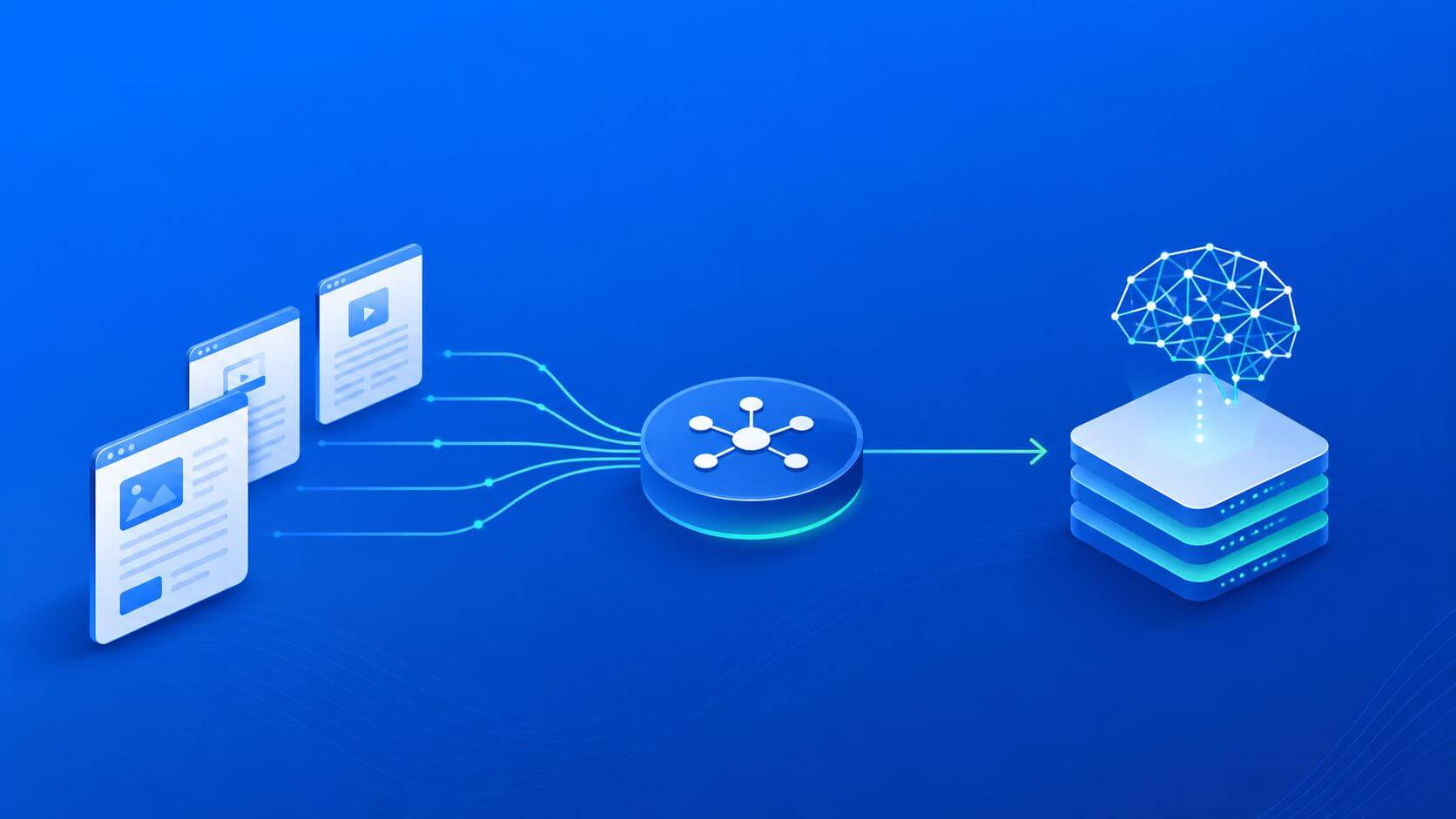
Collecting Public Web Data for LLM Training: A Practical Playbook
A practical, measurable guide to collect public web data for LLM training—covering architecture, proxies, quality controls, metrics, risk, and a 30-day pilot plan.
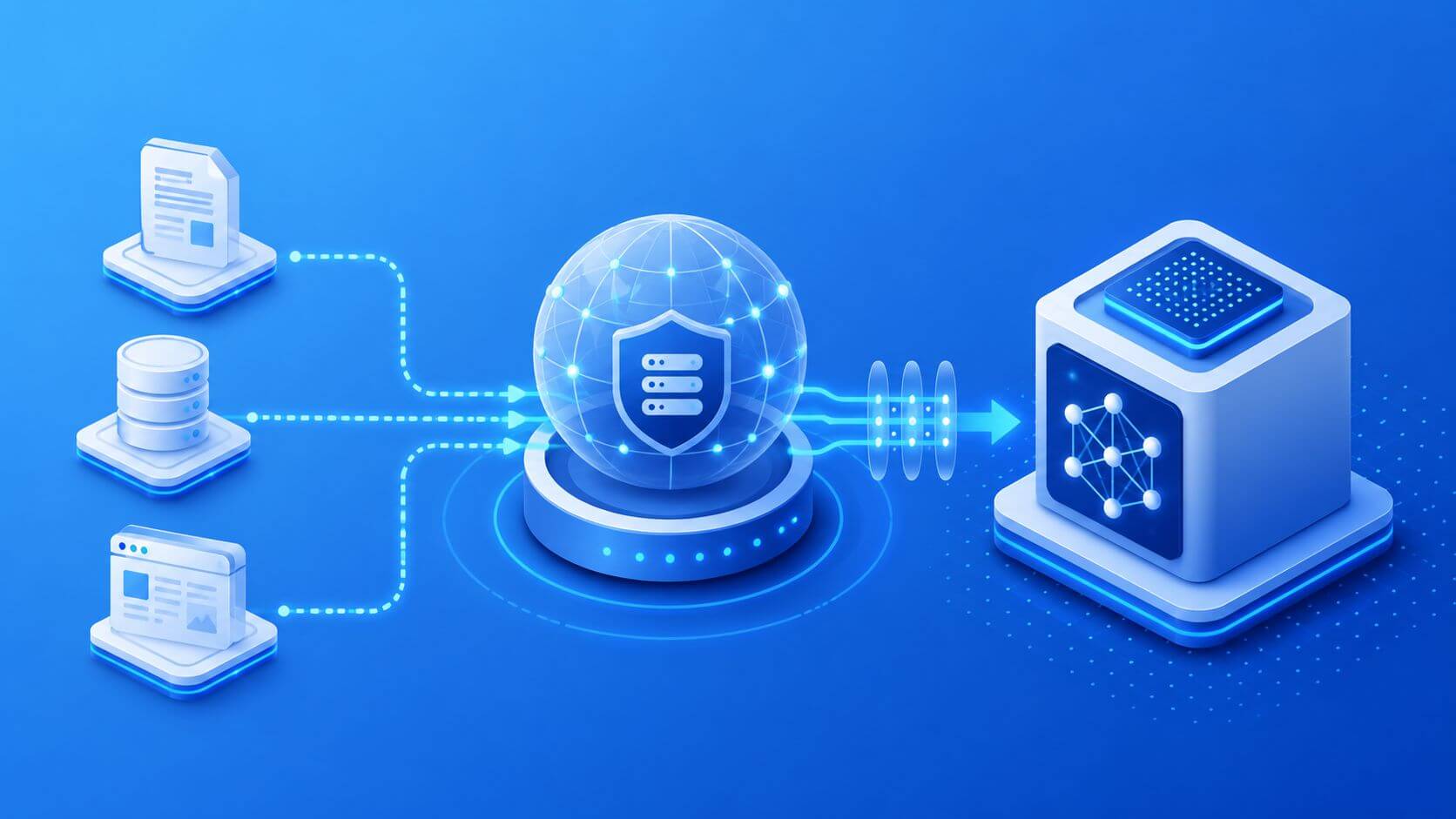
Building AI Training Pipelines with Proxy Infrastructure
A practical guide to designing AI training pipelines with proxy infrastructure: architecture, proxy selection, routing strategies, metrics, cost tradeoffs, and failure modes. Includes decision frameworks, real-world scenarios, and FAQs for both technical and business teams.