 Live Chat
 Log In

Browser Fingerprinting for Web Scraping: What Proxies Can and Cannot Fix

Your crawler works in staging, but production tells a different story. Blocks increase, retries get expensive, and key data disappears during peak hours. You may already be rotating IPs, using residential proxies, or switching proxy pools, but the issue may not be the proxy layer alone. It may be browser fingerprinting.
Browser fingerprinting for web scraping refers to the signals websites use to identify a browser, device, or automation stack beyond the IP address. Proxies can help with IP reputation, location, ASN mix, and concurrency. They cannot fix client-side signals such as User-Agent, WebGL, canvas, fonts, timezone, WebRTC behavior, TLS traits, or automation flags.
This guide explains what proxies can fix, what they cannot fix, and how to separate proxy problems from fingerprint problems before wasting budget on the wrong solution.
What Is Browser Fingerprinting?
Browser fingerprinting is the process of combining many browser and device signals to recognize or score a session.
A website may look at:
- User-Agent
- Browser version
- Operating system
- Screen size
- Timezone
- Language
- Fonts
- Canvas behavior
- WebGL output
- Audio APIs
- TLS/JA3 traits
- WebRTC behavior
- Cookie and storage history
- Automation flags
Each signal may seem harmless on its own. Combined, they can create a profile that looks common, rare, inconsistent, or automated.
For scraping teams, the issue is not simply whether a site can identify a browser. The issue is whether your browser identity looks believable for the proxy, region, session history, and workload.
Why Browser Fingerprinting Matters for Web Scraping
Modern websites do not rely only on IP-based blocking. They often combine IP reputation with browser behavior, JavaScript signals, network traits, and session history.
That means a scraper using web scraping proxies can still fail if the browser stack looks wrong.
For example:
- The IP appears to be in Germany.
- The timezone is set to the United States.
- The User-Agent says Windows Chrome.
- The font list looks like Linux.
- WebGL reports an unusual vendor.
- WebRTC exposes a conflicting network path.
A proxy can make the IP look correct, but it cannot make the browser environment coherent by itself.
When fingerprint signals are inconsistent, teams may see:
- More CAPTCHAs
- Higher 403 or 429 rates
- Soft blocks
- Missing prices
- Wrong localized content
- Lower session survival
- Higher CPSR
CPSR means cost per successful request.
In plain terms: CPSR shows how much each usable result costs after proxy spend, compute, retries, and failed sessions.
What Proxies Can Fix
Proxies are still essential for scraping infrastructure. They solve problems tied to the network layer.
Proxies can help with:
- IP reputation
- IP rotation
- Country or city routing
- ASN diversity
- IP-level rate limits
- Geo-specific access
- Per-IP concurrency control
- Sticky session routing
For example, datacenter proxies can work well for static pages, public data collection, monitoring, and lower-friction targets. They are often faster and more cost-efficient when the target does not heavily penalize data center IP ranges.
Residential proxies are usually better for geo-sensitive pages, login-based flows, localized content, marketplaces, and websites that react strongly to server-side traffic.
The key is matching proxy type to workload pressure.
What Proxies Cannot Fix
Proxies cannot fix the browser or automation runtime.
They do not directly control:
- Browser fingerprint
- User-Agent consistency
- Canvas output
- WebGL behavior
- Audio fingerprint
- Installed fonts
- Navigator properties
- TLS/JA3 signature
- WebDriver leaks
- Cookie history
- Local storage
- Session behavior
- WebRTC exposure
This is why buying a better proxy pool does not always reduce blocks. If the target is rejecting the browser identity, changing IPs may only add more noise.
A common mistake is assuming every block is an IP problem. Sometimes the IP is fine, but the browser looks automated, rare, or internally inconsistent.
Proxy Signals vs Fingerprint Signals
Use this table to separate the two layers.
| Signal | Can a Proxy Fix It? | Why It Matters |
|---|---|---|
| ------------------------ | ------------------: | |
| IP reputation | Yes | Proxy pool quality affects trust |
| Country or city location | Yes | Exit location controls geo |
| ASN mix | Partly | Proxy source affects network profile |
| IP concurrency | Yes | Too many requests per IP raises pressure |
| TLS/JA3 | No | Comes from the client stack |
| User-Agent | No | Controlled by browser/runtime |
| Fonts | No | Comes from OS/browser environment |
| Canvas/WebGL | No | Tied to graphics and browser behavior |
| Timezone/language | No | Must be configured in the browser profile |
| WebRTC leaks | Indirectly | Must be disabled or routed correctly |
| Cookies/storage | No | Lives in the browser session |
This distinction matters because it prevents expensive troubleshooting mistakes.
How to Tell If the Problem Is Proxy-Related
Start with the proxy layer if you see:
- 429 rate limits that improve when you lower concurrency
- Country-locked pages that work after changing GEO
- Blocks clustered around specific ASNs
- Better success after switching from datacenter to residential IPs
- Improved results with sticky sessions
- Failures tied to one proxy pool or region
In these cases, proxy tuning may be the right first move.
Try:
- Reducing concurrency per IP
- Switching proxy type
- Testing different GEOs
- Using sticky sessions
- Improving ASN diversity
- Separating high-risk targets from low-risk targets
If those changes improve success rate, the proxy layer was likely a major factor.
How to Tell If the Problem Is Fingerprint-Related
Look beyond proxies if:
- Fresh IPs still fail
- Pages load but show incomplete data
- Blocks appear after JavaScript execution
- Login flows reset even with stable IPs
- CAPTCHAs appear across multiple proxy pools
- Errors happen only in headless or automated browsers
- Real Chrome performs better than your automation stack
These are signs that the browser identity may be the issue.
A proxy cannot fix a browser that exposes automation flags, mismatched device traits, or unrealistic JavaScript behavior.
A Practical Decision Path for Scraping Teams
Before changing providers or rebuilding your scraper, isolate the problem.
Step 1: Identify the Failure Type
If the page returns plain 403 or 429 errors without JavaScript interaction, start with IP, rate limits, or ASN pressure.
If the page triggers CAPTCHA, JavaScript challenges, missing content, or login resets, inspect fingerprint and automation signals.
Step 2: Change One Variable at a Time
Keep the same browser and change only the proxy.
If performance improves, the proxy route matters.
Then keep the same proxy and change the browser environment.
If performance improves, fingerprinting is likely the stronger issue.
Step 3: Check Profile Coherence
Make sure these signals match:
- IP location
- Timezone
- Language
- User-Agent
- OS
- Fonts
- WebGL vendor
- Screen size
- Cookie history
The browser should tell one consistent story.
Step 4: Choose the Right Fix
If the issue is proxy-side, tune proxy type, rotation, concurrency, and session length.
If the issue is fingerprint-side, improve browser consistency, session persistence, WebRTC handling, and automation behavior.
Building a Fingerprint-Aware Scraping Stack
A strong scraping stack treats proxies and browser fingerprints as separate but connected layers.
The goal is simple: make the client look like a stable, believable browser from the same region as the proxy.
A production-ready setup should include:
- Recent browser versions
- Stable User-Agent per session
- Matching timezone and language
- Coherent viewport and screen size
- Persistent cookies when needed
- WebGL behavior that matches the OS/profile
- WebRTC leak prevention
- Sensible concurrency limits
- Sticky sessions for dynamic flows
For browser-based workflows, frameworks like Playwright, Puppeteer, and Selenium can work well, but they still need careful configuration.
A real browser does not automatically mean a realistic browser session.
When to Use HTTP Clients vs Full Browsers
Not every scraping job needs a full browser.
Use HTTP clients or lightweight scraping when:
- Pages are static
- APIs are available
- JavaScript is not required
- The target has low anti-bot pressure
- Data can be validated from HTML
Use full browser automation when:
- Pages render through JavaScript
- Login or cart actions are required
- Browser behavior affects returned content
- The target checks JavaScript-exposed properties
- HTTP clients produce incomplete results
The best teams use both. They keep low-friction pages inexpensive and reserve full browsers for high-friction flows.
Proxy Type vs Fingerprint Pressure
| Workload | Proxy Type | Fingerprint Pressure | Recommended Setup |
|---|---|---|---|
| Static public pages | Datacenter | Low | HTTP client + concurrency control |
| Catalog monitoring | Datacenter or ISP | Medium | Lightweight client with fallback browser |
| Localized pricing | Residential | Medium to high | Sticky sessions + locale alignment |
| Login workflows | Residential | High | Persistent browser context |
| Marketplace automation | Residential | High | Stable browser profile per account |
| High-friction targets | Residential or mobile | Very high | Full browser + careful fingerprint control |
This table is a starting point. Validate each setup with pilot data.
What to Measure
You cannot improve what you do not measure.
Track these signals:
- Success rate
- Block rate
- CAPTCHA rate
- Soft block rate
- Retry depth
- Session survival
- Geo accuracy
- Latency
- CPSR
Why These Metrics Matter
Success rate shows whether the scraper is getting usable output.
Block rate shows how much resistance the target applies.
CAPTCHA rate often points to browser or behavior issues.
Soft block rate catches pages that load but return wrong or missing data.
Session survival shows how long a browser profile stays trusted.
CPSR helps decide whether a more expensive setup is worth it.
If residential proxies reduce retries and increase valid output, they may lower total cost even when the per-request route is more expensive.
Watch Out for These Failure Modes
Over-Rotating IPs
Changing IPs too often can destroy session trust.
If cookies, local storage, and browser identity stay the same while the IP changes constantly, the session may look suspicious.
Randomizing Too Many Fingerprint Signals
More randomization does not always mean more realism.
Real users do not change device memory, fonts, timezone, and screen size every few minutes.
Ignoring WebRTC
WebRTC can expose network information that conflicts with the proxy path.
For a deeper breakdown, review our guide on WebRTC leaks.
Using One Profile Across Many Regions
A browser profile with cookies from one country and proxy routes from another country creates inconsistencies.
Use separate profiles for different GEOs, accounts, or workflows.
Treating 200 Responses as Success
A page can return 200 and still be wrong.
Validate expected content, region, price, currency, availability, and required fields before counting success.
Real-World Scenario: Travel Pricing
A travel data team collects flight prices across multiple regions.
Their crawler uses residential proxies, but CAPTCHA rates remain high. Changing proxy pools does not solve the problem.
The investigation shows that all sessions use the same viewport, timezone, and browser language, even while the proxy location changes by country.
The fix is to create region-specific browser contexts with aligned timezone, language, and sticky residential sessions. CAPTCHA rates decline, and session survival improves.
The lesson: the proxy was not the only problem. The browser profile had to match the route.
Real-World Scenario: Marketplace Monitoring
An eCommerce team monitors marketplace product pages.
Static product pages work with datacenter routes and HTTP clients. But offer pages with dynamic content fail after rendering.
Instead of moving the entire system to browsers and residential IPs, the team segments the pipeline.
Simple pages continue using lower-cost routes. High-friction pages move to browser automation with coherent profiles and residential sessions.
This reduces wasted spend while improving coverage on difficult pages.
Frequently Asked Questions
Do proxies hide browser fingerprints?
No. Proxies change network-facing signals such as IP, ASN, and location. Browser fingerprints come from the client environment, including User-Agent, fonts, WebGL, TLS behavior, timezone, and automation signals.
Should I rotate User-Agent on every request?
Usually not. Rotating User-Agent too often can create inconsistent sessions. Use one plausible User-Agent per browser session and keep it stable unless you are starting a new session profile.
Does headless mode always get detected?
No, but poorly configured headless browsers are easier to detect. Missing plugins, WebDriver flags, strange viewport values, or mismatched browser traits can increase risk.
How do I know if fingerprinting is causing blocks?
Compare proxy-only changes against browser-only changes. If fresh IPs still fail but real browser sessions improve results, fingerprinting is likely involved.
Are residential proxies enough for protected sites?
Not by themselves. Residential proxies can improve network trust, but browser identity, cookies, WebRTC, and behavior still need to be consistent.
What affects CPSR more: proxy type or fingerprint quality?
It depends on target difficulty. On low-friction sites, proxy type and concurrency may dominate. On protected sites, fingerprint quality may have a bigger effect on successful output and retry cost.
Should I use anti-detect browsers for scraping?
They can help for session-heavy, account-based, or geo-sensitive workflows. They are less necessary for simple public scraping. Use them when browser identity management is a real part of the workflow.
Final Thoughts
Browser fingerprinting for web scraping is not solely a proxy issue. Proxies manage IP reputation, geo routing, ASN mix, and concurrency. Browser fingerprints expose the client behind the request.
The most effective scraping systems optimize both layers simultaneously.
Begin by determining whether blocks originate from the proxy route or the browser identity. Then, synchronize proxy location, browser settings, session persistence, WebRTC behavior, and monitoring metrics.
For additional implementation assistance, explore the SquidProxies proxy tutorials and broader proxy use cases to align proxy strategy with production scraping workflows.
Related Articles
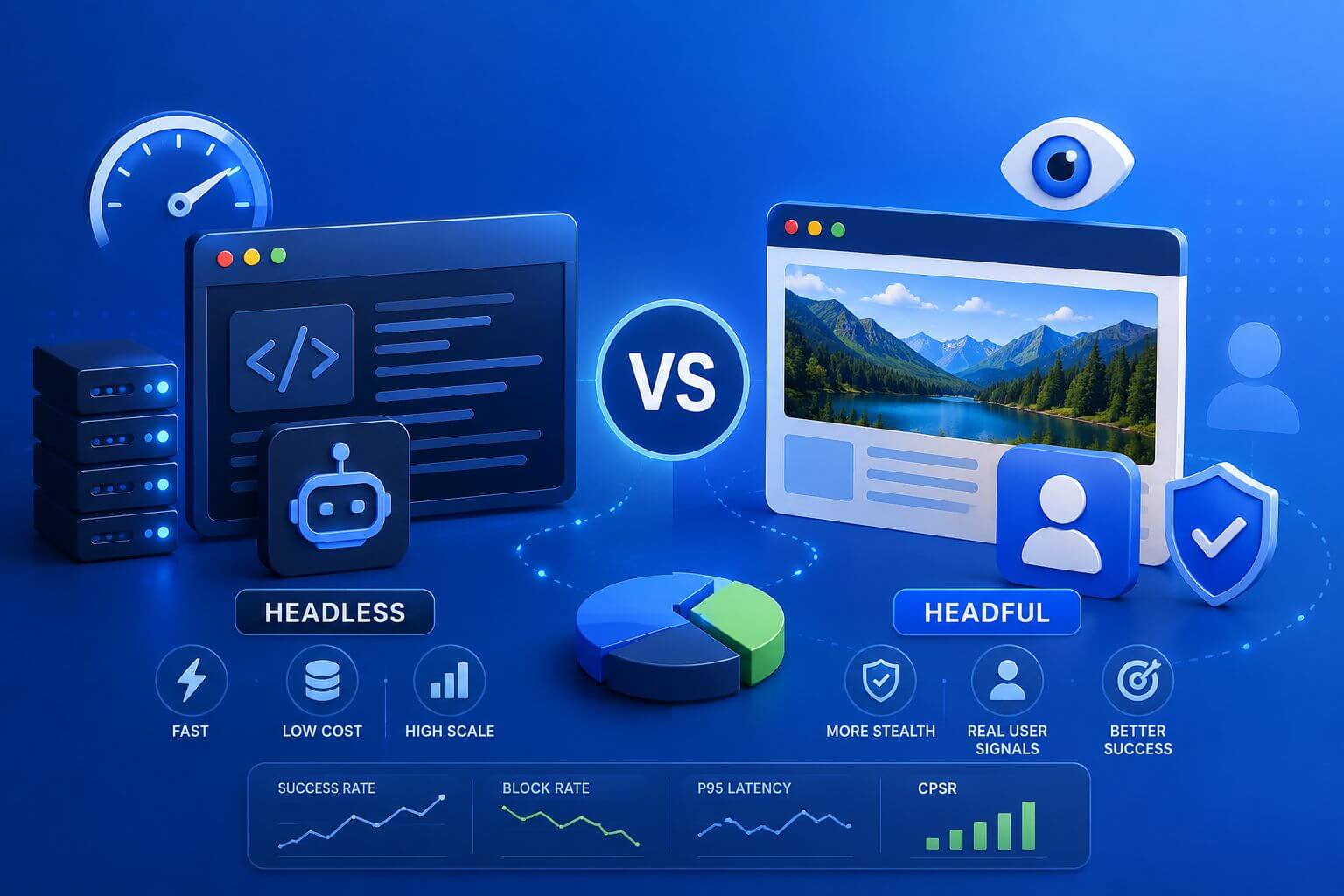
Headless vs Headful Browsers in Modern Scraping: How to Choose
A practical, metrics-driven guide to choosing between headless and headful browsers for modern web scraping, with decision frameworks, real-world scenarios, tuning tips, and what to measure.

WebRTC Leaks: Why They Break Anti-Detect Setups
A practical guide to WebRTC leaks: how they expose real IPs behind proxies, why they trigger anti-bot flags, and how to prevent them across browsers and automation stacks—with clear decision paths, configuration tips, and metrics to monitor.
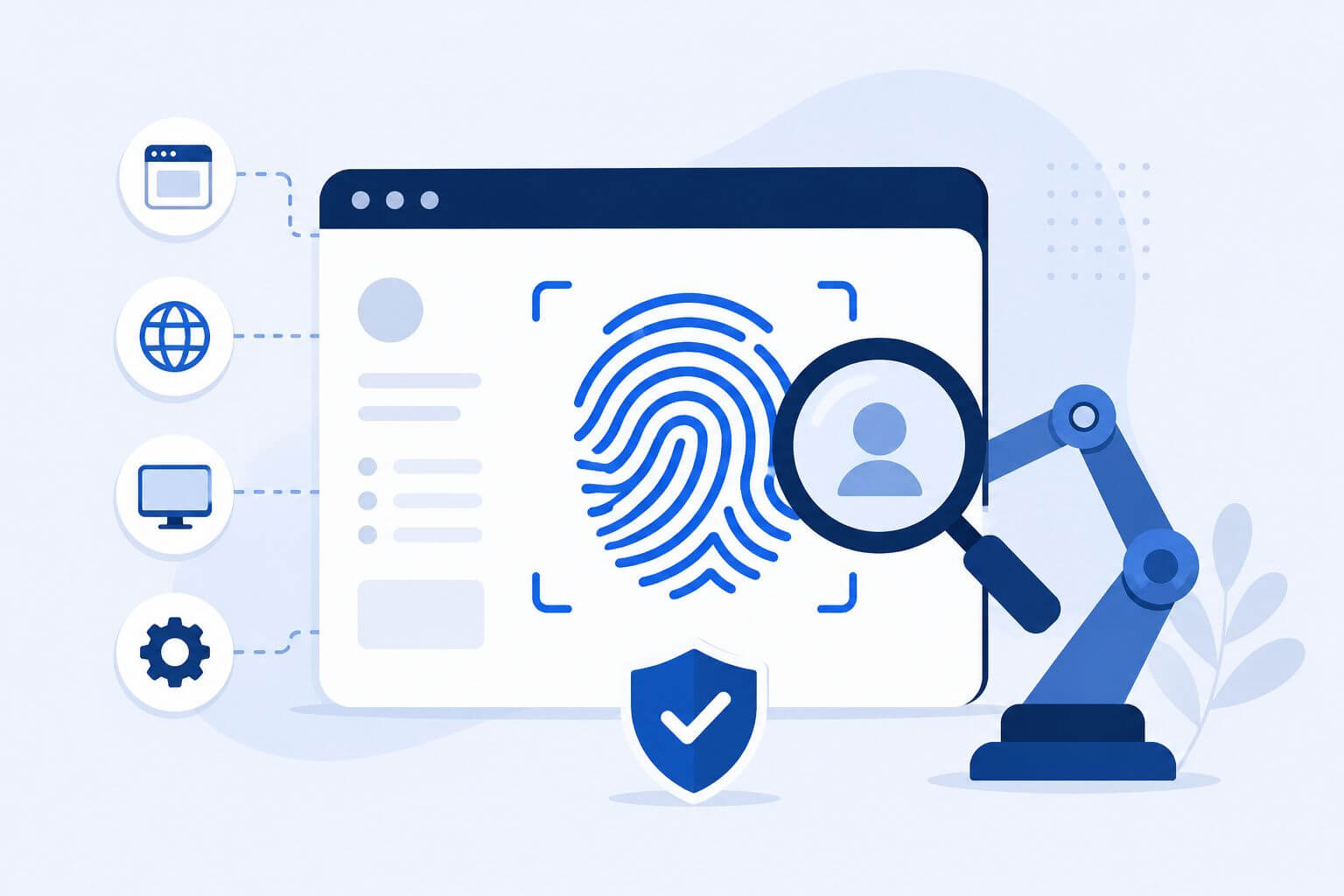
Browser Fingerprinting Explained for Scrapers
Learn how browser fingerprinting affects modern web scraping and why proxies alone are not enough for stable automation. This guide explains browser signals like user agent, WebRTC, canvas, timezone, and session behavior, along with practical strategies to reduce CAPTCHA, soft blocks, geo mismatches, and unstable browser sessions at scale.