 Live Chat
 Log In

WebRTC Leaks: Why They Break Anti-Detect Setups

You have high-quality proxies, carefully configured browser profiles, and well-established accounts—yet your sessions still trigger CAPTCHAs, verification prompts, or unexpected blocks. One overlooked cause is a WebRTC leak.
Even when all browser traffic is routed through a proxy, WebRTC can expose network information that conflicts with your browser profile. For scraping teams, affiliate marketers, media buyers, and multi-account operators, these inconsistencies reduce session trust and increase detection risk.
Whether you're using residential proxies for account management or web scraping proxies for browser automation, understanding WebRTC is essential for building stable, production-ready workflows.
What Is a WebRTC Leak?
Direct answer: A WebRTC leak occurs when your browser exposes network information outside your configured proxy route. Although normal web traffic may travel through the proxy, WebRTC can reveal IP-related information that creates inconsistencies between your browser fingerprint and network identity.
WebRTC (Web Real-Time Communication) is a browser technology that enables peer-to-peer communication for voice, video, and data sharing. It powers features like video conferencing, file sharing, and screen sharing without requiring browser plugins.
For everyday users, WebRTC improves browser functionality. For scraping and anti-detect setups, however, it introduces another surface that websites can inspect when evaluating browser authenticity.
Why WebRTC Leaks Matter
Modern anti-bot systems rarely rely on IP reputation alone.
Instead, they combine multiple signals, including:
- Browser fingerprint
- Proxy reputation
- Timezone
- Language
- Geolocation
- Cookie history
- Session behavior
- Network consistency
- WebRTC behavior
If those signals tell conflicting stories, trust decreases.
For example:
- Residential proxy exits in Germany
- Browser timezone is Berlin
- Browser language is German
- Cookies show previous German browsing
But WebRTC exposes a network path associated with another location.
Even if the proxy itself is functioning correctly, the overall browser identity becomes inconsistent.
How Websites Detect WebRTC Leaks
A simplified request flow looks like this:
Browser loads website
        │
        ▼
JavaScript creates RTCPeerConnection
        │
        ▼
Browser gathers ICE candidates
        │
        ▼
Browser contacts STUN server
        │
        ▼
STUN returns network information
        │
        ▼
Website compares:
• HTTP Proxy IP
• Browser Fingerprint
• WebRTC Network Information
        │
        ▼
Mismatch increases risk score
Most websites don't block solely because of WebRTC. Instead, it becomes one signal among many that contributes to an overall trust score.
WebRTC Leaks vs Proxy Leaks
These terms are often confused.
| Issue | Description | Result |
|---|---|---|
| Proxy leak | Browser traffic bypasses the proxy | Website sees your real IP |
| WebRTC leak | Browser exposes conflicting network information | Browser identity becomes inconsistent |
| DNS leak | DNS requests bypass expected resolver | Regional inconsistencies |
| Fingerprint mismatch | Browser signals contradict each other | Increased detection probability |
A browser can pass a public IP test while still exposing inconsistent WebRTC information.
Why Anti-Detect Browsers Still Leak
Anti-detect browsers improve browser fingerprint consistency but cannot automatically guarantee a leak-free configuration.
Many operators assume that enabling an anti-detect browser solves every browser identity problem.
It doesn't.
Every browser profile should still be validated after:
- assigning proxies
- changing browser versions
- importing cookies
- enabling extensions
- migrating devices
- synchronizing profiles
Browser identity is only as strong as its weakest signal.
Browser Fingerprinting and WebRTC
WebRTC is one component of a larger browser fingerprint.
A fingerprint includes signals such as:
- User Agent
- Screen resolution
- Canvas rendering
- WebGL
- Fonts
- Audio fingerprint
- Device memory
- Hardware concurrency
- Timezone
- Language
- Cookies
- Local storage
- WebRTC behavior
For a deeper understanding of browser identity, read our guide on Browser Fingerprinting Explained for Scrapers.
The important takeaway is this:
WebRTC should reinforce the rest of the browser profile—not contradict it.
When WebRTC Leaks Cause Problems
WebRTC matters most for browser-based workflows.
Typical examples include:
- Social media account management
- Marketplace operations
- Affiliate marketing
- Ad verification
- Browser automation
- Geo-targeted research
- Login-based scraping
- Browser testing
Simple public websites often care far less about browser identity.
Highly protected platforms care significantly more.
Residential vs Datacenter Proxies
WebRTC protection does not replace good proxy infrastructure.
Datacenter proxies are excellent for:
- High-volume crawling
- Public websites
- Monitoring
- Price collection
- Large-scale automation
Residential proxies are better suited for:
- Account management
- Geo-sensitive workflows
- Localized testing
- Marketplace research
- Ad verification
- Session-heavy automation
Learn more:
How to Test for WebRTC Leaks
Before deploying browser profiles, validate them.
A simple workflow:
- Launch the browser profile.
- Connect the intended proxy.
- Verify the public IP.
- Run a WebRTC leak test.
- Compare timezone and locale.
- Confirm browser fingerprint consistency.
- Restart the profile.
- Repeat the validation.
Testing once is not enough.
Repeat testing whenever browser versions or proxy configurations change.
Production Checklist
Before launching large scraping or automation jobs, verify:
| Validation | Target |
|---|---|
| Public IP | Matches proxy |
| WebRTC | No conflicting information |
| Timezone | Matches GEO |
| Language | Matches GEO |
| Browser fingerprint | Consistent |
| Cookies | Region appropriate |
| DNS | Consistent |
| Session restart | Stable |
This checklist should become part of every deployment pipeline.
Browser-Specific Recommendations
Chrome
- Review enterprise policies.
- Validate browser flags after updates.
- Test after enabling extensions.
Firefox
Review relevant about:config networking preferences after browser updates.
Playwright
Playwright inherits browser behavior.
If using Playwright, validate WebRTC after configuring browser contexts, proxies, and launch arguments.
Puppeteer
Likewise, Puppeteer sessions should be tested after configuring proxy routing and browser launch options.
Never assume browser automation frameworks automatically eliminate WebRTC leaks.
Common Failure Modes
Trusting Public IP Checkers
A public IP checker confirms only one layer.
It does not validate:
- WebRTC
- DNS
- Browser fingerprint
- Cookies
- Locale consistency
Rotating Proxies Too Aggressively
Changing countries every request creates inconsistent browser history.
Instead, keep sessions stable whenever workflows require continuity.
Reusing Browser Profiles
Sharing one profile across multiple accounts or GEOs creates inconsistent browsing patterns.
Maintain one browser profile per workflow.
Ignoring Browser Updates
Browser updates occasionally modify WebRTC behavior.
Always retest after upgrades.
Installing Too Many Extensions
Extensions can alter browser behavior and introduce additional fingerprint signals.
Keep browser profiles minimal.
What to Monitor
Production systems should continuously monitor:
| Metric | Target |
|---|---|
| CAPTCHA rate | Under 5% |
| Login verification | Declining trend |
| Soft blocks | Minimal |
| Session survival | Increasing |
| Retry depth | Stable |
| Browser restart failures | Near zero |
| CPSR | Decreasing |
CPSR (Cost Per Successful Request) often improves when browser consistency increases because fewer retries and account verifications occur.
Real-World Example
An affiliate marketing team manages advertising accounts across multiple countries using browser profiles and residential proxies.
The proxy configuration appears correct, yet account verification requests continue increasing.
Investigation reveals that browser profiles expose inconsistent WebRTC information after a browser update.
After validating every profile, aligning browser settings with proxy locations, and rebuilding affected browser contexts, verification requests decrease and session longevity improves.
The improvement comes from consistency—not simply changing proxies.
Best Practices
For stable browser-based automation:
- Keep browser identity consistent.
- Match proxy location with timezone and language.
- Use one browser profile per account.
- Test after browser updates.
- Monitor session health continuously.
- Validate production profiles regularly.
- Separate browser testing from production deployment.
Consistency almost always outperforms excessive randomization.
Frequently Asked Questions
Can residential proxies prevent WebRTC leaks?
No. Residential proxies improve network authenticity, but browser configuration still determines whether WebRTC exposes inconsistent information.
Does SOCKS5 eliminate WebRTC leaks?
Not necessarily. SOCKS5 controls traffic routing but does not automatically configure browser WebRTC behavior.
Are WebRTC leaks important for scraping?
For browser-based scraping, especially login or JavaScript-heavy workflows, yes. They become another signal used by anti-bot systems to evaluate session quality.
Should I disable WebRTC?
If your workflow does not require real-time communication, limiting or disabling WebRTC may reduce risk. If WebRTC is required, ensure it aligns with your browser profile and proxy configuration.
How often should I test browser profiles?
Test whenever you:
- change proxies
- update browsers
- modify browser profiles
- install extensions
- migrate systems
- onboard new accounts
Final Thoughts
WebRTC leaks rarely cause detection by themselves, but they often contribute to the broader trust signals modern websites evaluate. A browser profile with inconsistent network information can undermine an otherwise well-designed proxy strategy.
The most reliable browser automation environments combine high-quality proxies, consistent browser fingerprints, stable sessions, and continuous validation. Rather than treating WebRTC as a one-time configuration task, include it in your regular testing and monitoring process.
If you're building browser automation, multi-account workflows, or production scraping infrastructure, combine this guide with our Proxy Tutorials and Proxy Use Cases to build more resilient, lower-risk proxy deployments.
Related Articles
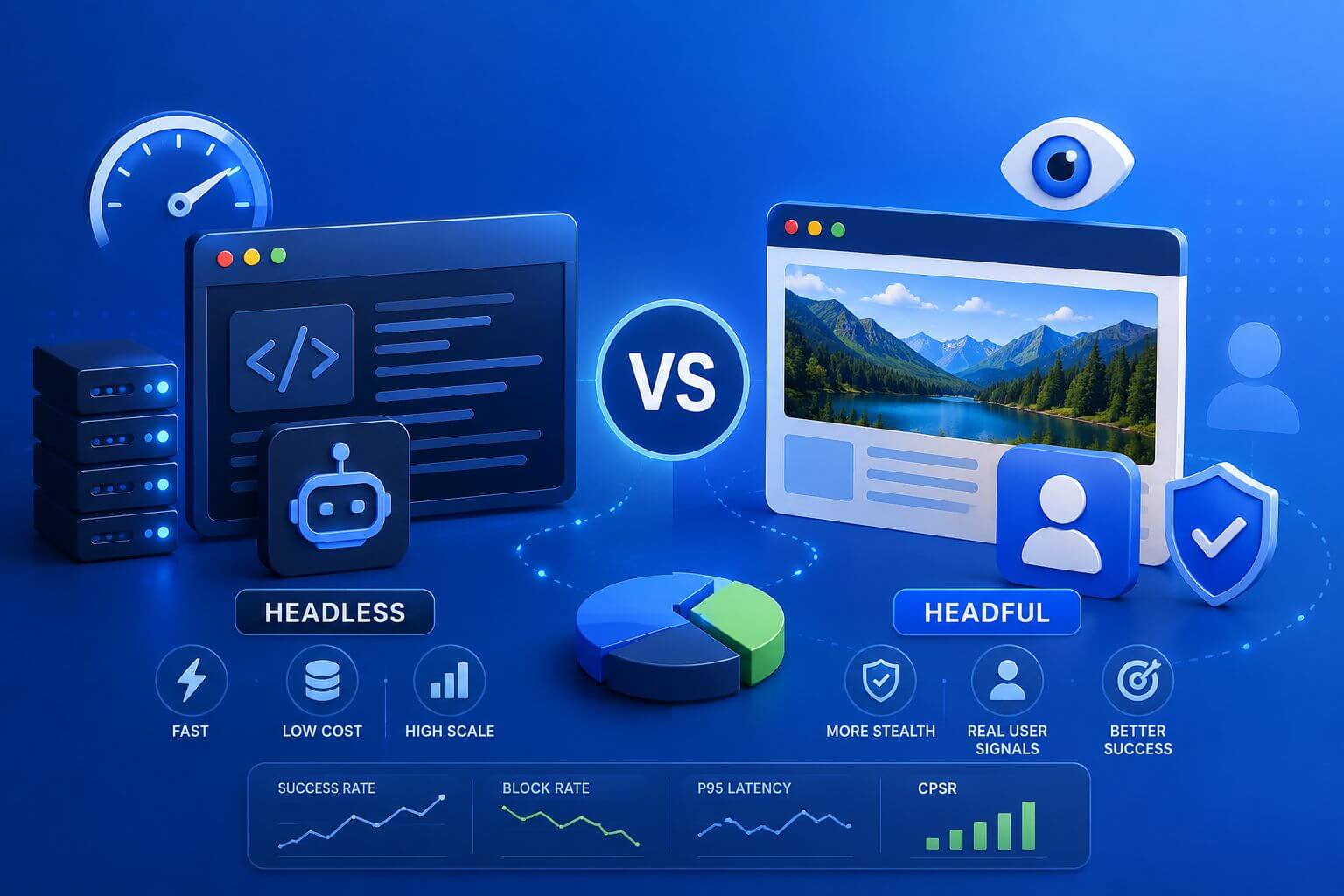
Headless vs Headful Browsers in Modern Scraping: How to Choose
A practical, metrics-driven guide to choosing between headless and headful browsers for modern web scraping, with decision frameworks, real-world scenarios, tuning tips, and what to measure.

Browser Fingerprinting for Web Scraping: What Proxies Can and Cannot Fix
A practical guide to browser fingerprinting in web scraping and the exact problems proxies can and cannot solve. Includes decision frameworks, failure modes, metrics to monitor, and real-world scenarios for teams running scraping, automation, and data collection at scale.

Browser Fingerprinting Explained for Scrapers
Learn how browser fingerprinting affects modern web scraping and why proxies alone are not enough for stable automation. This guide explains browser signals like user agent, WebRTC, canvas, timezone, and session behavior, along with practical strategies to reduce CAPTCHA, soft blocks, geo mismatches, and unstable browser sessions at scale.